Installation
Installing Response Point on the Administration Computer 29
2.3 Installing Response Point on the
Administration Computer
Perform the following steps to install Microsoft Response Point Administrator
and Assistant on Windows XP and Windows Vista operating systems.
Microsoft
®
English Text-to-Speech software is also included for Windows XP.
N
OTE: Administrator should only be installed on an administrator’s computer.
Administrator privilege is required to configure the DOS-A50 settings.
2.3.1 Installing with Windows XP
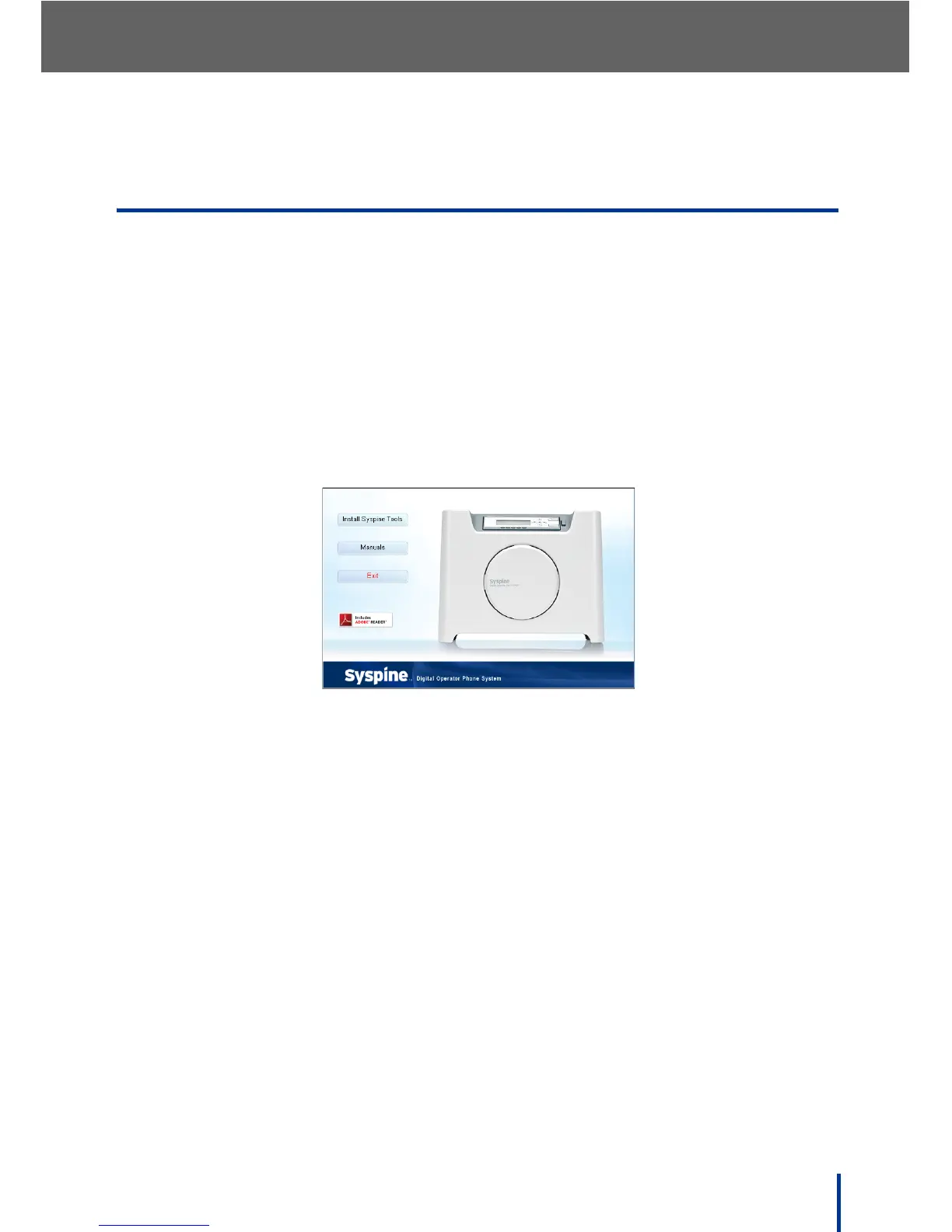
1. Insert the Installation CD provided. The Auto-run Interface starts automati-
cally and the following screen displays.
N
OTE: If the Auto-run Interface does not start automatically, access the CD
using Windows Explorer and manually execute CDRun.exe in the root
directory to begin installation.
2. Click Install Syspine Tools.



 To Next Page