Basic Features
Microsoft Response Point Assistant Features 139
3.13.1 Using the Connect Menu
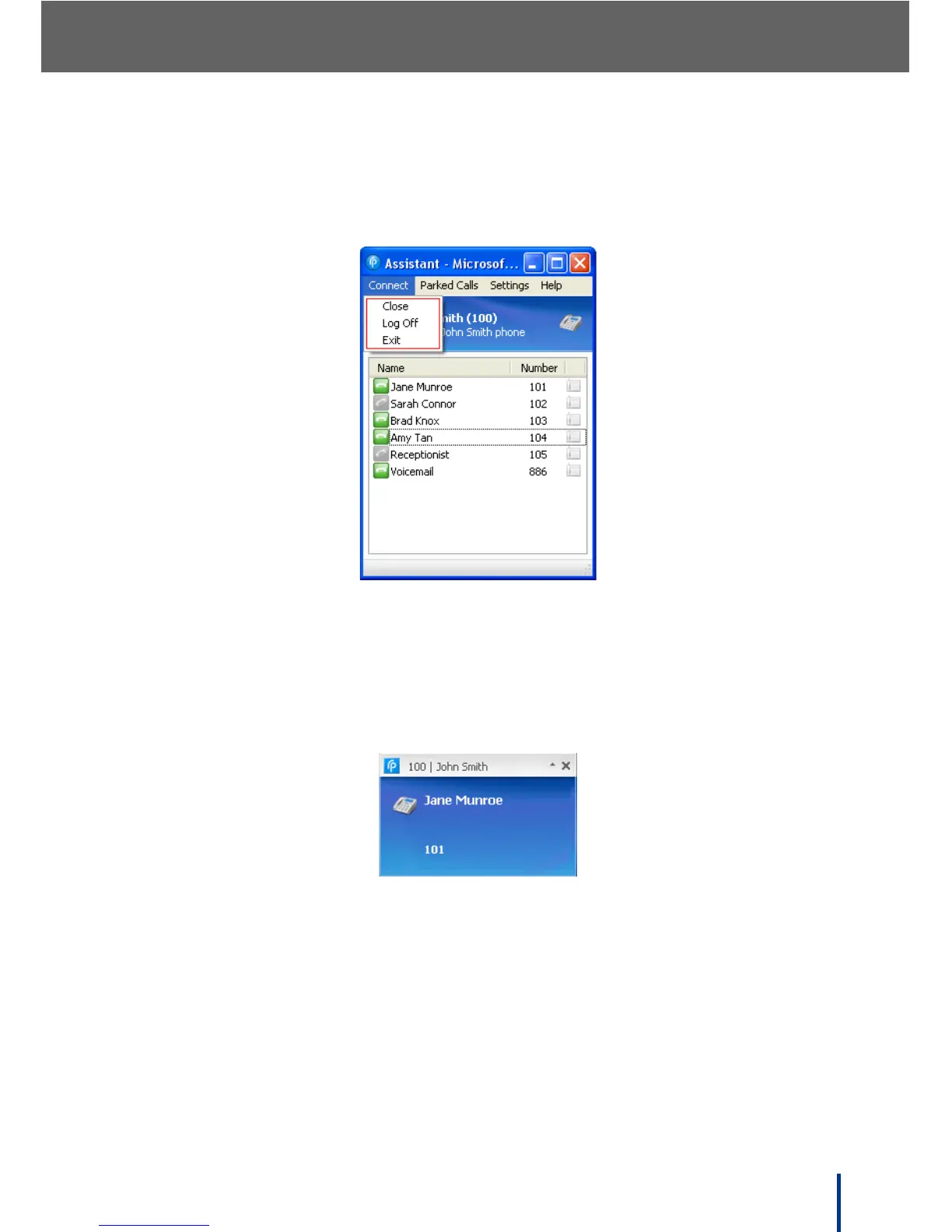
The Connect menu is used to manage the status of the Assistant program.
Three options are available through the drop-down Connect menu.
• Close—close the main window of the program. Assistant remains active in
the notification area of the desktop. Double-click the icon to open Assistant
or right-click and select Exit to close the Assistant program.
Incoming calls are indicated above the icon, even when the Assistant main
page is closed.
• Log Off—disconnects the Assistant from the DOS-A50 and logs off the
current user.
• Exit—logs off of Assistant and exits the program. Assistant does not run in
the notification area of your desktop, and incoming call notifications are not
available.



 To Next Page