Basic Features
56 Using Call Park and Retrieve
3.4 Using Call Park and Retrieve
Call Park is used to hold a call in the system until another system extension or
user is free to respond. While Parked, a caller hears the default DOS-A50
music or a custom audio file played through the Line In jack on the rear of DOS-
A50. See Customizing Parked Call Music on page 115 for more information.
There are a total of nine slots available for call parking. Any IP Phone can
retrieve a Parked call by using the Call Retrieve function.
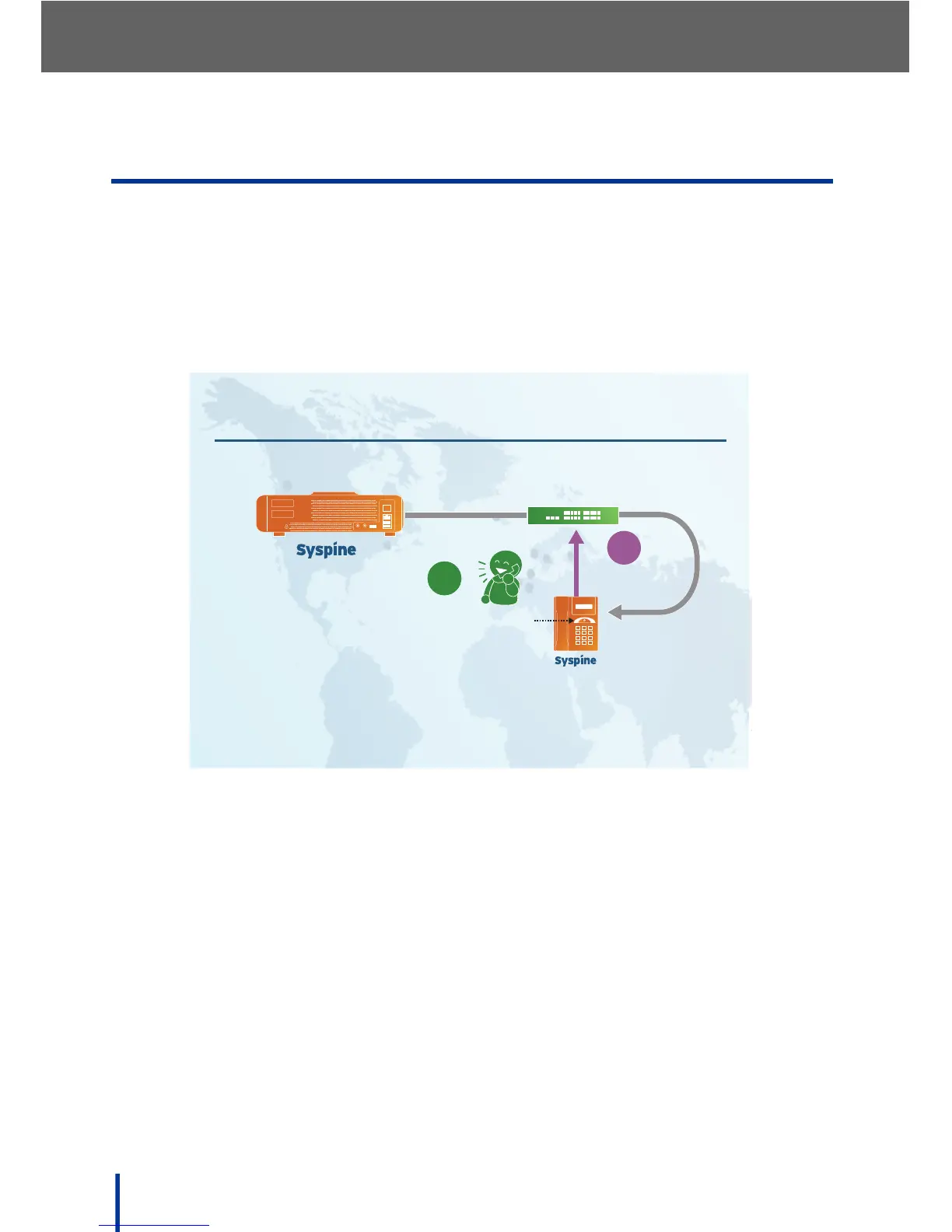
3.4.1 Parking a Call
To Park an incoming call, perform the following steps:
1. After answering the incoming call, press the Response Point button to
Park the call.
The Automated Receptionist announces the call as parked and assigns the
call a number.
2. Replace the handset on the phone.
The incoming call is now Parked. The system holds the call until it is
retrieved or the caller hangs up.
Parking a Call
IP Phone
EXT.101 JANE MONROE
LAN Switch
1
2
Call is
PARKED
Response
Point
DOS-A50



 To Next Page