Basic Features
The Phone System Tab 79
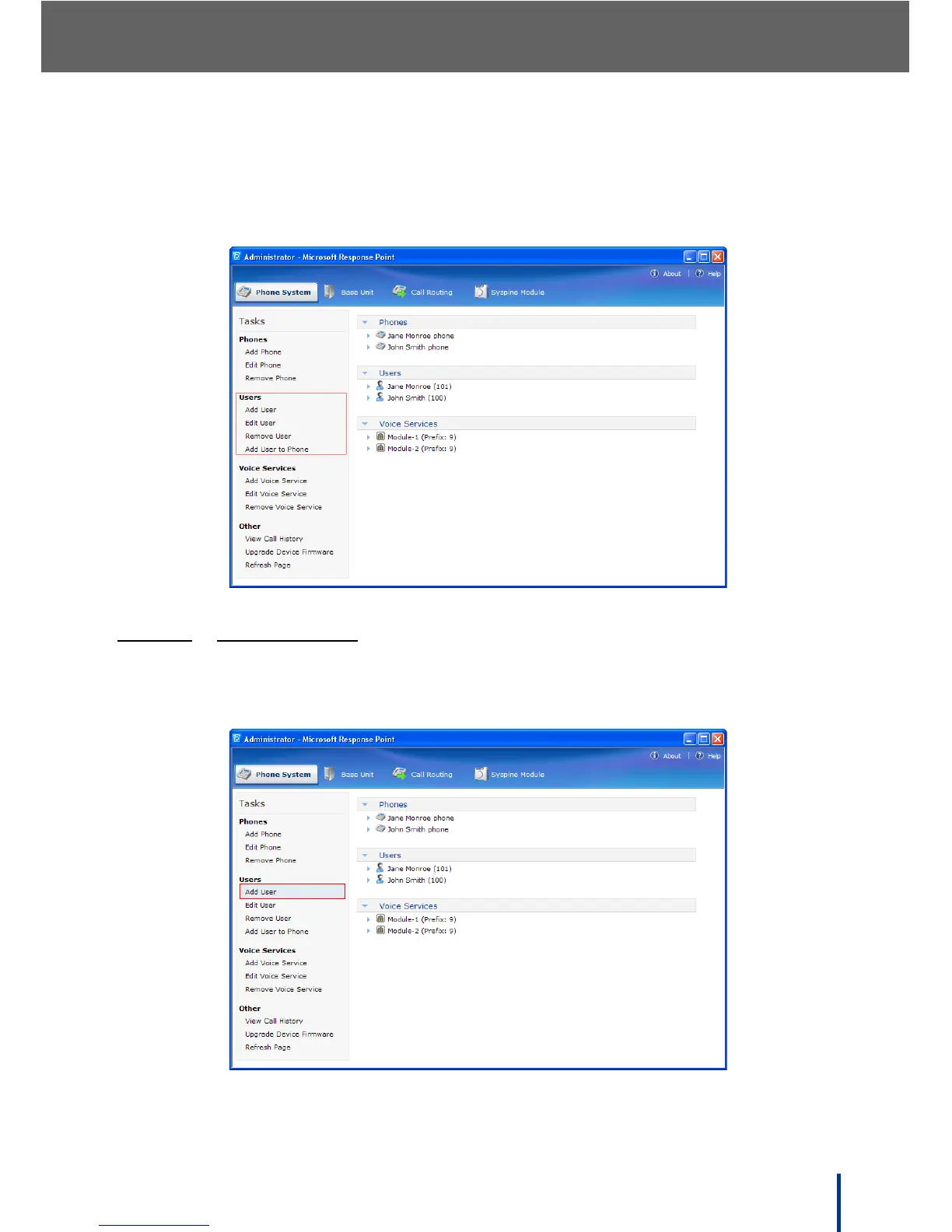
3.10.2 Using the Users Menu
The Users menu in the task panel is used to add users, edit existing users, and
delete users no longer required.
3.10.2.1
ADDING A USER
To add a new user, perform the following steps:
1. In Phone System´ Users, click Add User.



 To Next Page