Introduction
Tour of the Syspine Phone System 9
NOTE: The DOS-A50 is set to DHCP client enabled as default and cannot be
changed.
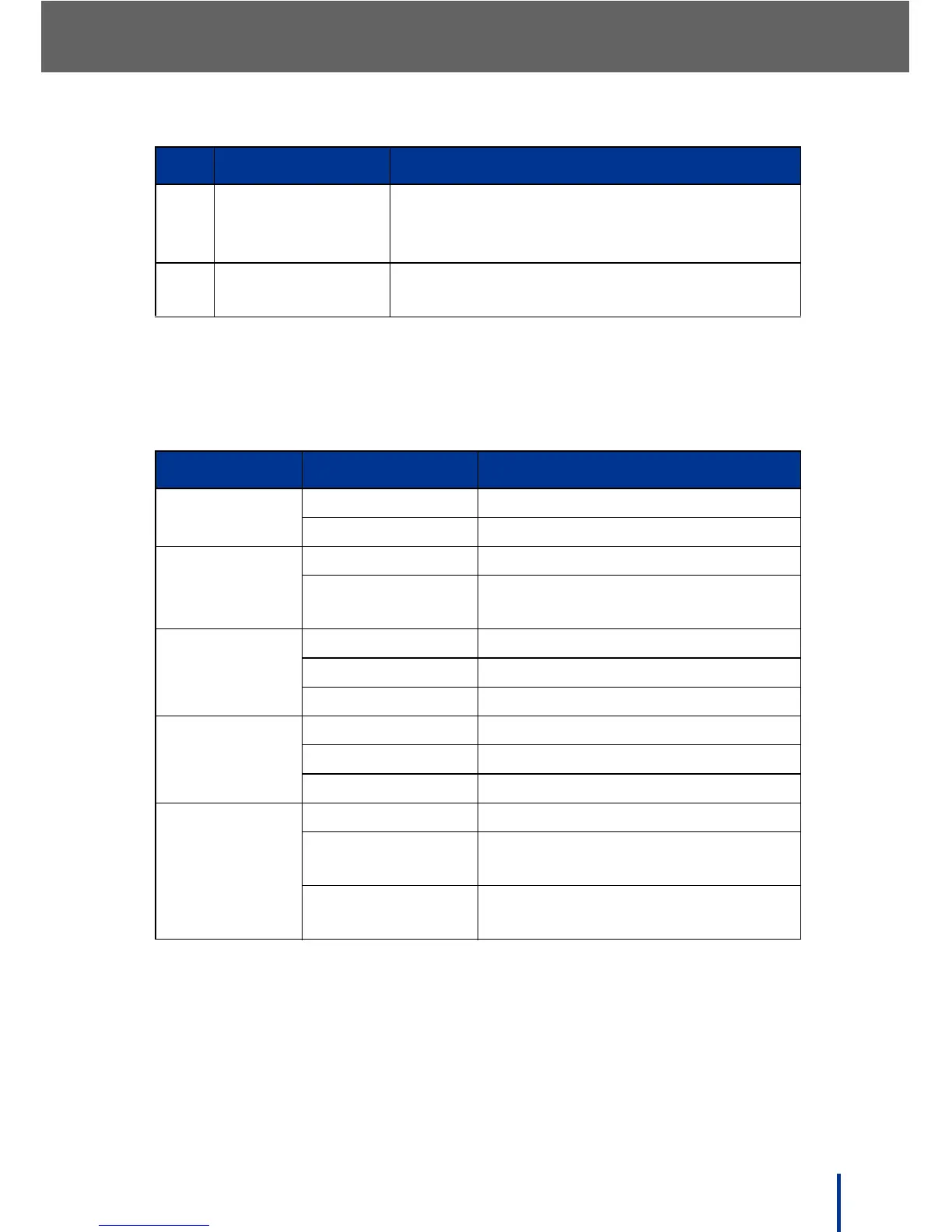
1.3.6 LED Behavior
12. IP Button Push to view: IP address, subnet mask,
default gateway, DNS server, and DHCP
Mode (enabled or disabled)
13. Reset Button Hold for 5 seconds to reset the system (see
Powering Down the DOS-A50 on page 49)
LED Behavior/Color Description
Power Solid Orange Power on
Off Power off
System Status Solid Blue System in ready state
Blinking Blue System booting or system failure
detected
Line Module 1 Solid Red Module 1 failure detected
Solid Orange Module 1 booting
Solid Green Module 1 in service (registered)
Line Module 2 Solid Red Module 2 failure detected
Solid Orange Module 2 booting
Solid Green Module 2 in service (registered)
Gateway
Module
Solid Red Gateway Module failure detected
Solid Orange Gateway Module active, but WAN
is inactive
Solid Green Gateway Module active, and WAN
is connected
No. Item Description



 To Next Page