Advanced Features
158 Syspine DOS-A50 Module Configuration
4.1 Syspine DOS-A50 Module Configuration
The DOS-A50 uses a dedicated URL for Module Configuration. The administra-
tor perform limited administration functions from this page.
For more information
on Syspine Module configuration, see the Service Manual and Security Gateway User’s
Manual.
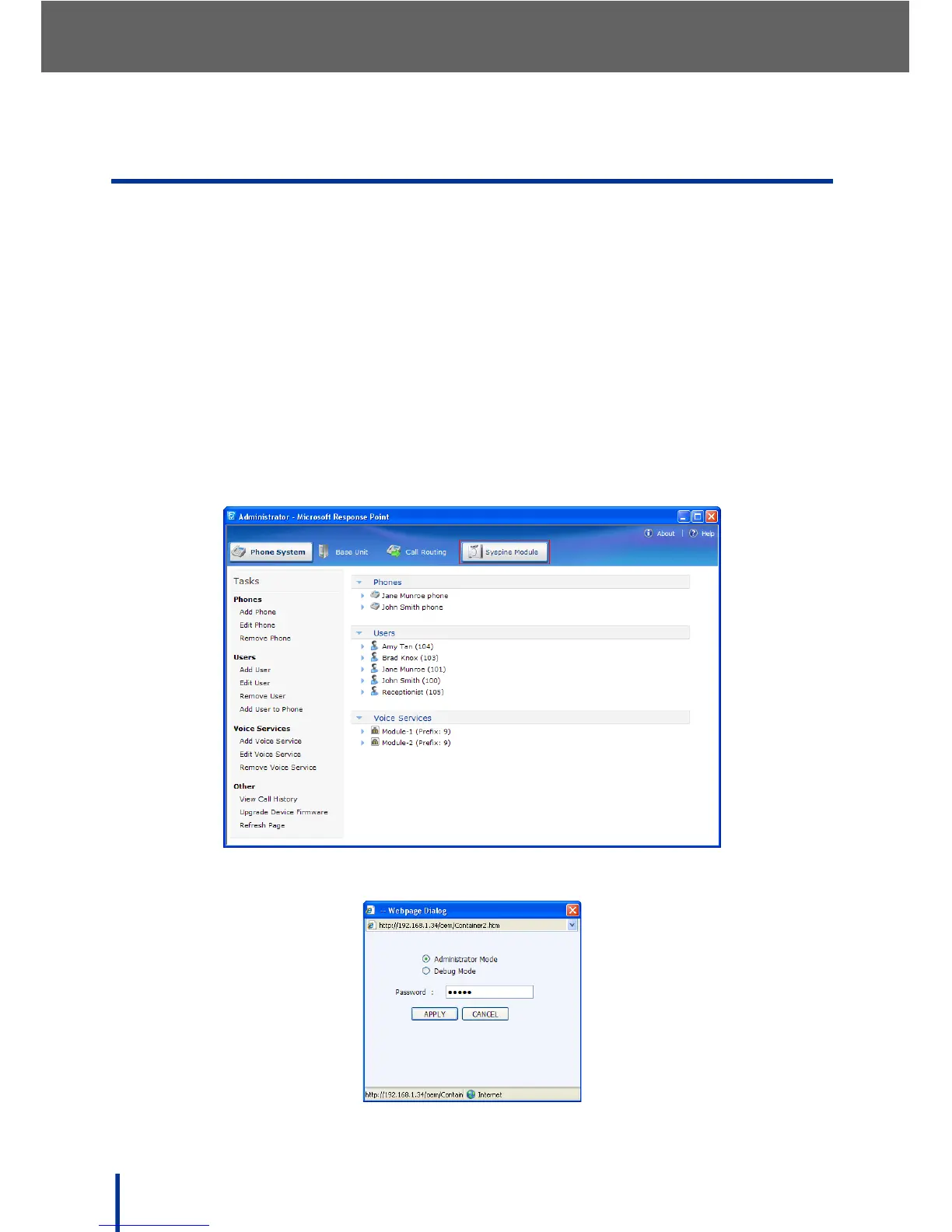
To access Module Configuration, perform the following steps:
1. Ensure that the administrator computer has access to the internet.
2. Go to Start´ All Programs´ Microsoft Response Point Administrator
to launch Microsoft
®
Response Point™ phone system software Administra-
tor.
3. In the main Administrator - Microsoft Response Point screen, click the
Syspine Module tab.
A web browser page launches and the logon screen displays.



 To Next Page