Basic Features
112 The Base Unit Tab
3.11.2 Using the Properties Menu
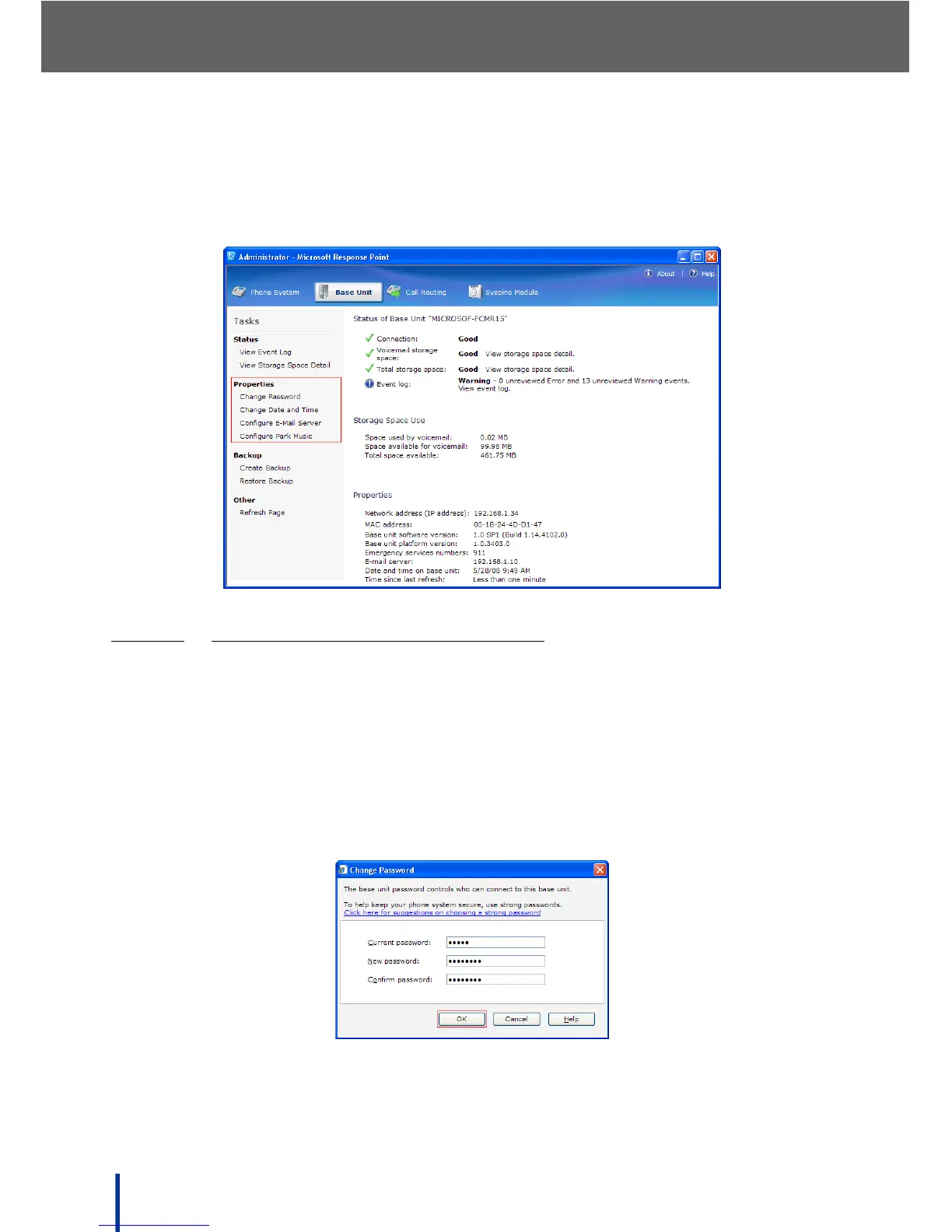
The Properties menu in the task panel is used to change the system pass-
word, date and time, and to configure E-mail server settings.
3.11.2.1
CHANGING THE DOS-A50 PASSWORD
After logging in and setting up the phones and users required, it is recom-
mended that the DOS-A50 password is changed.
N
OTE: The default password for the DOS-A50 is admin.
To change the DOS-A50 password, perform the following steps:
1. Click Change Password in the Properties panel.
The Change Password screen displays.
2. Enter the current password, a new password, and confirm the new pass-
word. Click OK.



 To Next Page