Basic Features
66 Voicemail to E-mail Forwarding
4. Enter the user name and password used for access to the e-mail server
OR
Select Connect to the server anonymously if no log on information is
required to access the E-mail server.
5. Click OK.
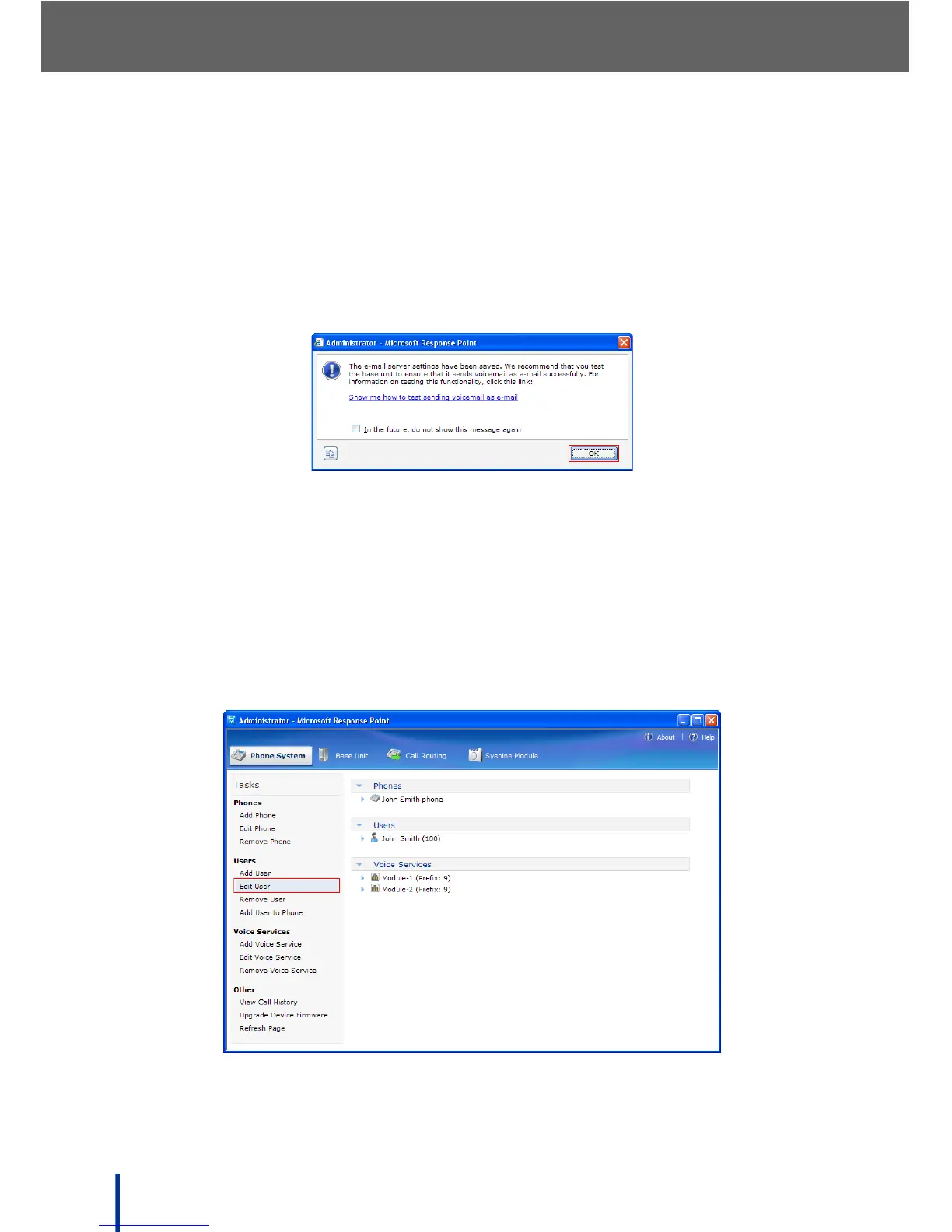
The following warning screen displays.
6. Click OK to complete the E-mail server configuration.
3.8.2 Configuring User Information
NOTE: At least one user must be added before configuring E-mail user informa-
tion. See Adding a User on page 79.
1. Configure the user account by clicking the Phone System tab (in the main
administrator screen) and Edit User in the Users panel.



 To Next Page