Basic Features
Microsoft Response Point Assistant Features 141
3.13.3 Using the Settings Menu
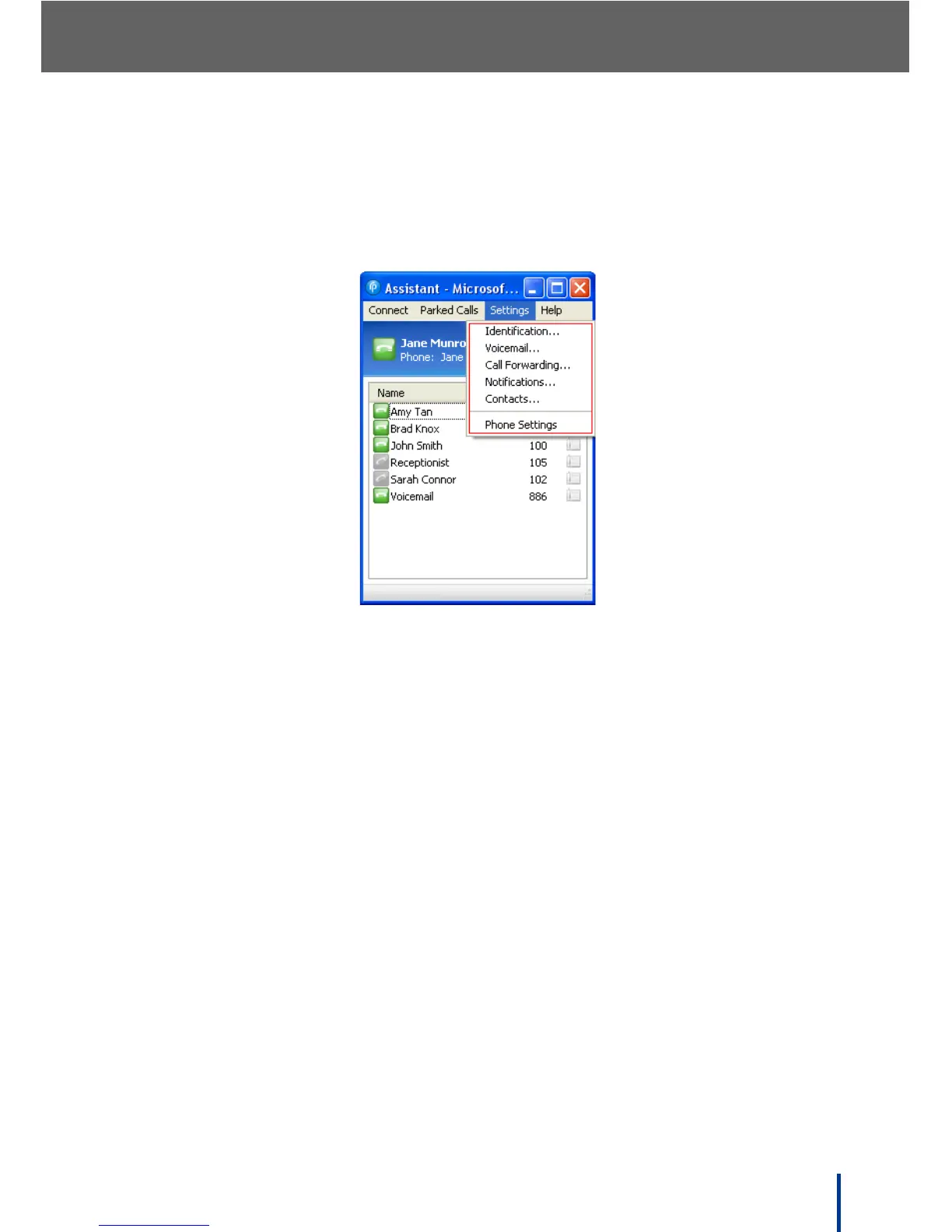
The Settings menu is designed for user’s to customize their individual
Response Point settings. Five shortcut options are available to quickly access
the phone Properties screen, as well as the Phone Settings web page.
• Identification—specify user details as a Response Point user.
• Voicemail—specify options for user voicemail.
• Call Forwarding—specify call forwarding rules.
• Notifications—specify how notification of incoming calls is received.
• Contacts—add or import contacts used for voice dialing.
• Phone Settings—view Call History and set phone Preferences.



 To Next Page