Basic Features
142 Microsoft Response Point Assistant Features
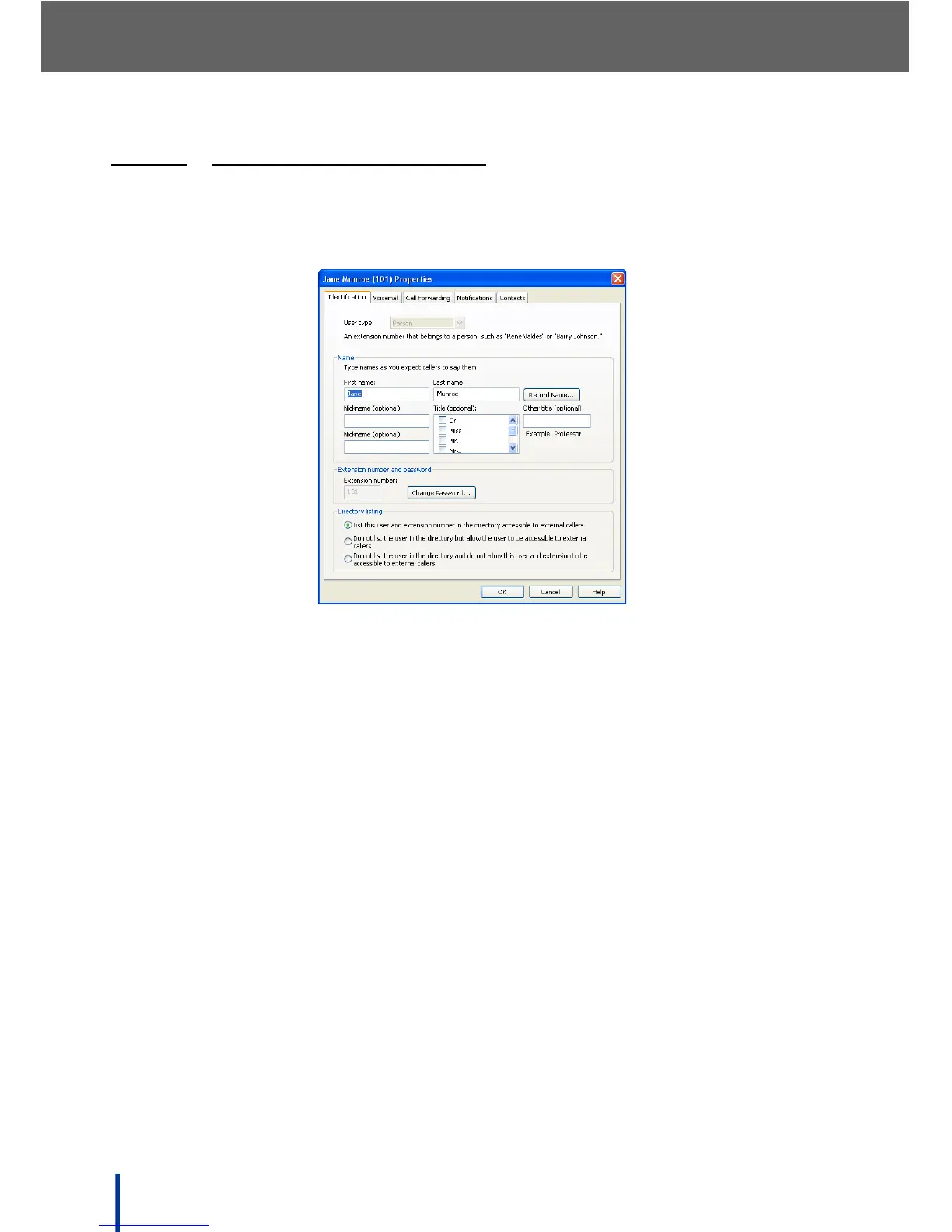
3.13.3.1 USING THE IDENTIFICATION TAB
The Identification screen is used to modify user personal details, reset user
passwords, and whether or not an user’s extension is accessible to external
callers.
N
OTE: User type and Extension number can not be changed using Assistant.
• Modify the user’s name details in the Name panel.
• Click Record Name to manually record the user’s name on the system.
• Click Change Password to change the user’s Assistant and Voicemail
password.
• Select the Directory listing preferences from the list.



 To Next Page