Basic Features
Microsoft Response Point Assistant Features 143
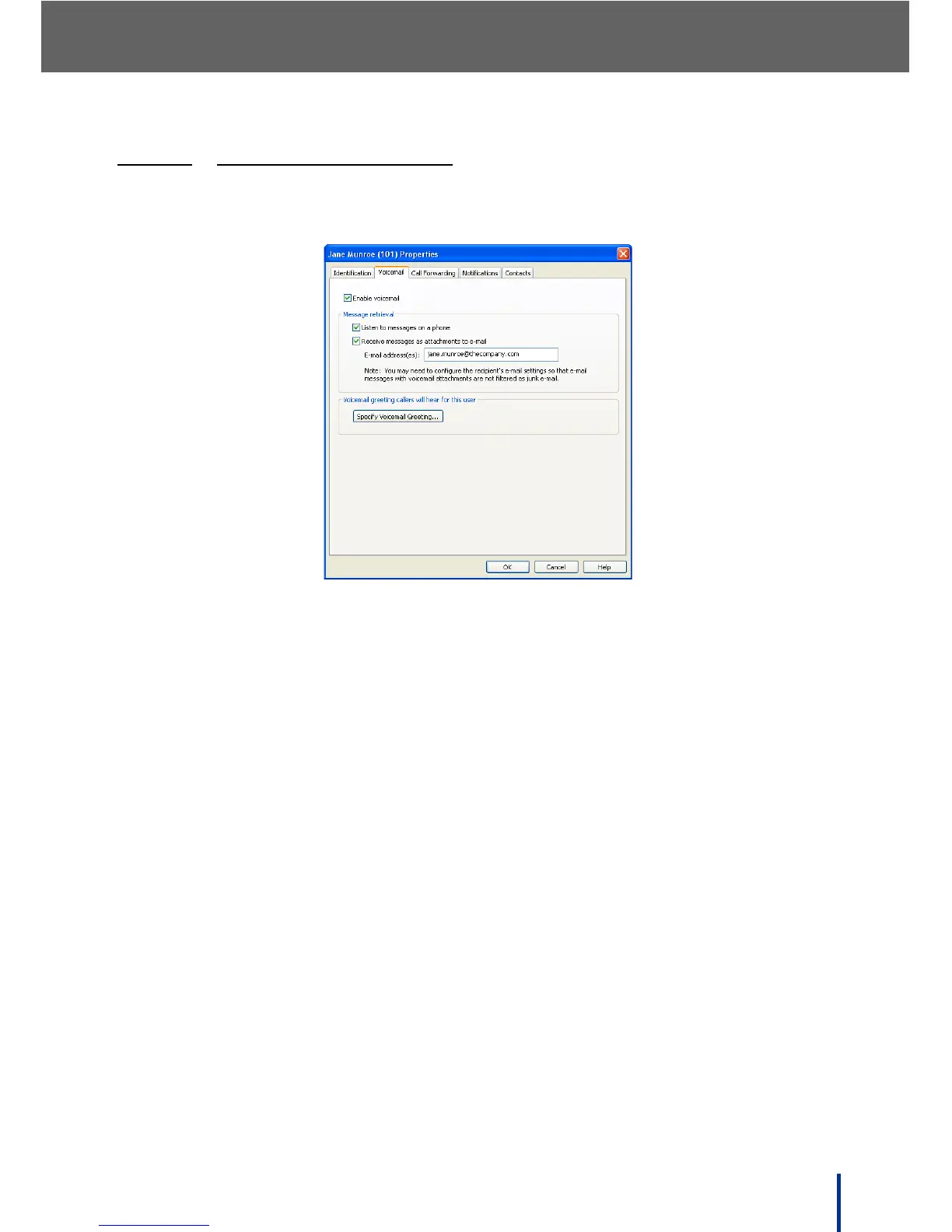
3.13.3.2 USING THE VOICEMAIL TAB
The Voicemail screen is used to specify how voicemail is reviewed and to cus-
tomize the voicemail greeting if required.
• Enable or disable voicemail for this user account.
• Enable or disable voicemail retrieval from IP Phones.
• Check Receive messages as attachments to e-mails and enter a valid
E-mail address to receive voicemail as a WAV file attachment.
N
OTE: • The E-mail server must be configured by the administrator before this
option is available. See Voicemail to E-mail Forwarding on page 64 for
more information.
• Send attachments to more than one E-mail address by separating
entries with a semi colon. For example:
jane.munroe@thecompany.com; janemunroe123@hotmail.com
• Click Specify Voicemail Greeting and follow the onscreen prompts to
record a personal greeting.



 To Next Page