Installation
44 Installing Response Point Assistant on a User’s Computer
2.6 Installing Response Point Assistant on a
User’s Computer
Assistant provides user access to Response Point features including voice-
mail, call forwarding, and notification settings.
IMPORTANT!
Assistant must be installed separately on each intended user’s PC.
Perform the following steps to install Microsoft Response Point Assistant on
Windows XP and Windows Vista operating systems.
2.6.1 Installing with Windows XP
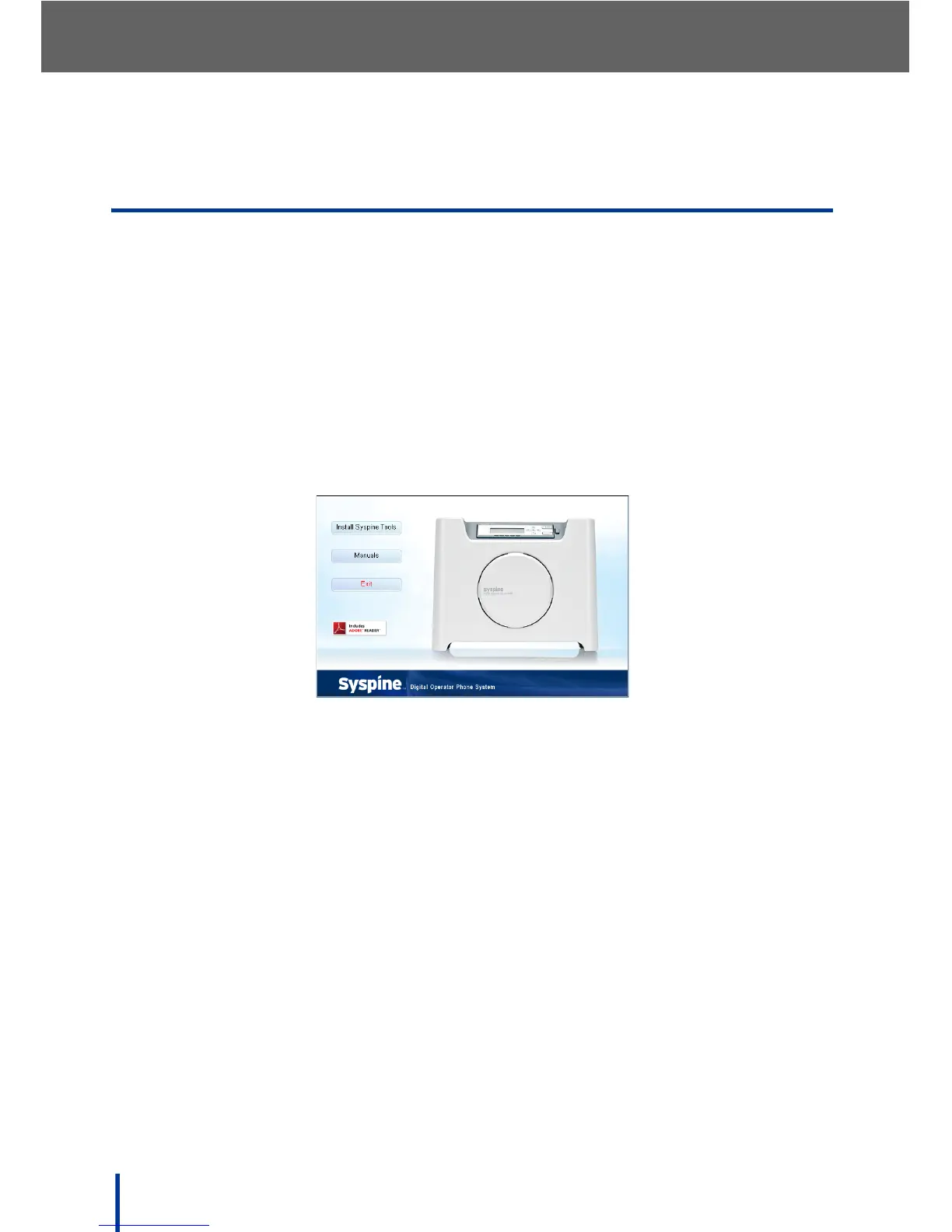
1. Insert the Installation CD provided. The Auto-run Interface starts automati-
cally and the following screen displays.
N
OTE: If the Auto-run Interface does not start automatically, access the CD
using Windows Explorer and manually execute CDRun.exe in the root
directory to begin installation.
2. Click Install Syspine Tools.



 To Next Page