Basic Features
116 The Base Unit Tab
3.11.3 Using the Backup Menu
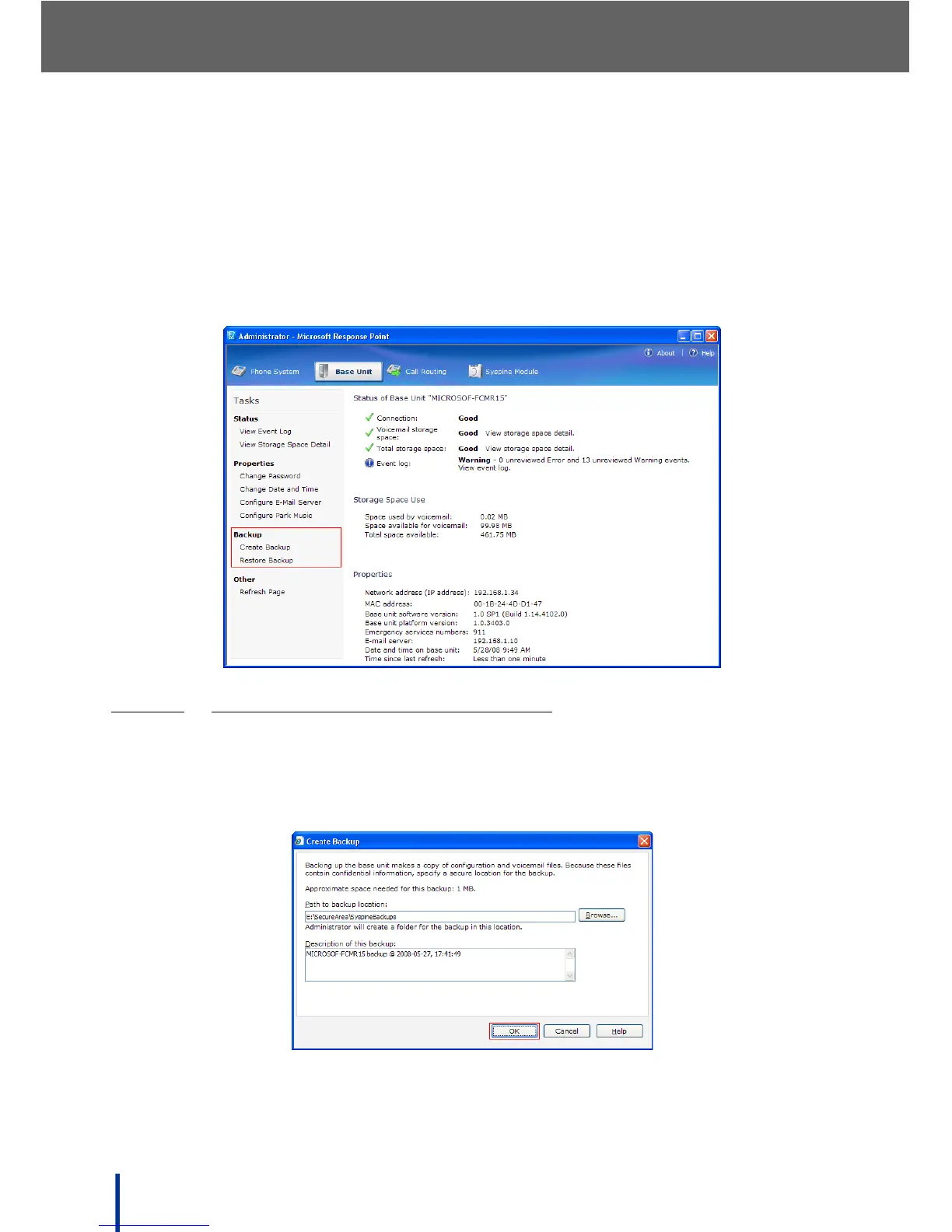
The Backup menu in the task panel enables the backup and retrieval of config-
uration and voicemail files for disaster recovery or security purposes.
IMPORTANT!
Configuration and voicemail files may contain the names of users, per-
sonal phone calls, or other confidential information and therefore it is important to store
backups in a secure location on the LAN or on removable media.
3.11.3.1 BACKING UP VOICEMAIL AND SETTINGS
To create a backup, perform the following steps:
1. Click Create Backup in the Backup panel.
The Create Backup screen displays.



 To Next Page