Basic Features
60 Using a Public Address System
3.6 Using a Public Address System
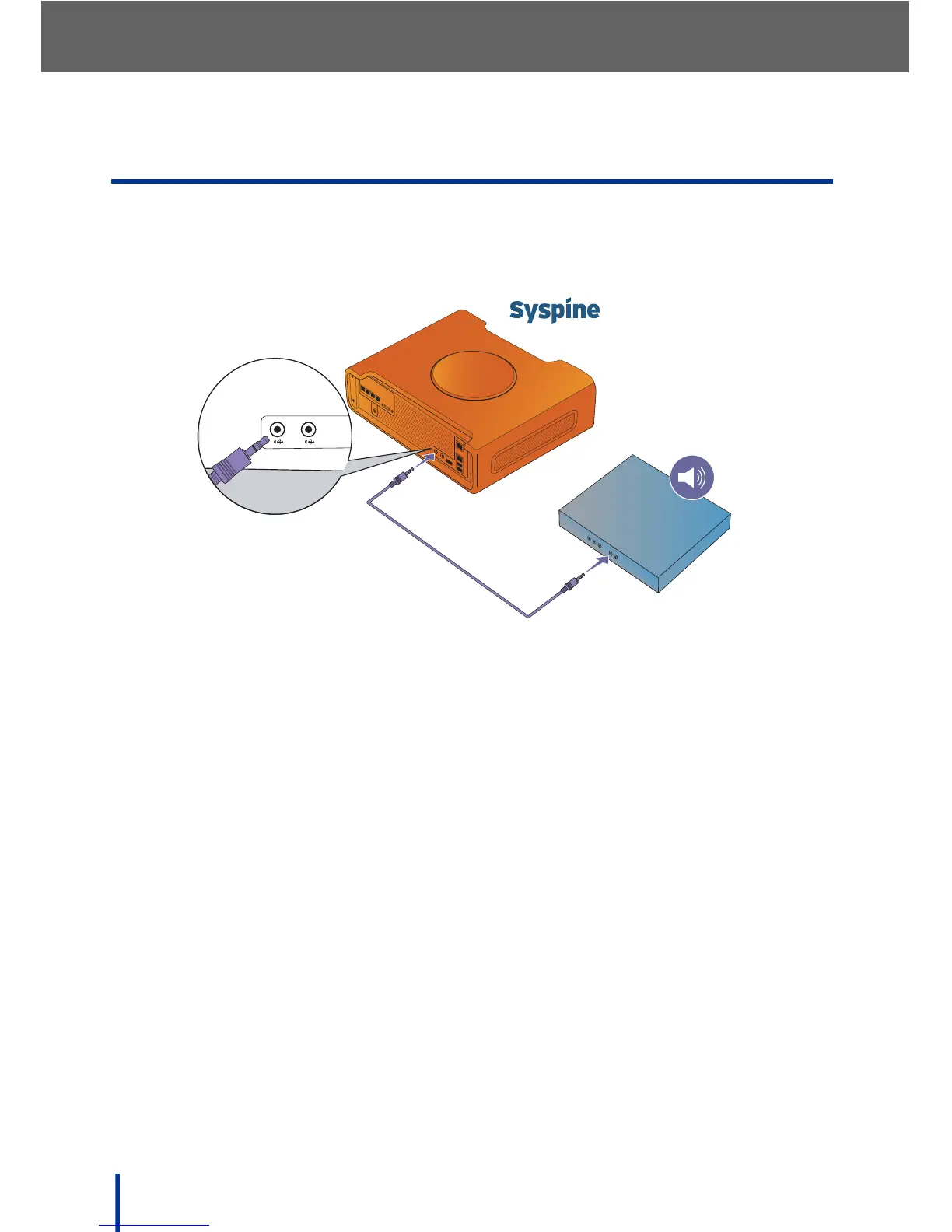
The DOS-A50 supports connection to a Public Address system (PA) or to
speakers directly attached to the DOS-A50. To connect the PA to the DOS-A50,
refer to the following diagram:
N
OTE: See Rear View on page 6 for the location of the Line-Out jack.
Once the PA (or speaker) is connected to the Line-Out jack, perform the follow-
ing steps to make announcements over the PA:
1. Lift the IP Phone handset and dial 872#.
2. Wait for the ready tone, then speak as normal.
3. DOS-A50 routes the voice page to the Line-Out jack and over external,
amplified paging equipment.
4. Hang up when finished.



 To Next Page