Basic Features
132 The Call Routing Tab
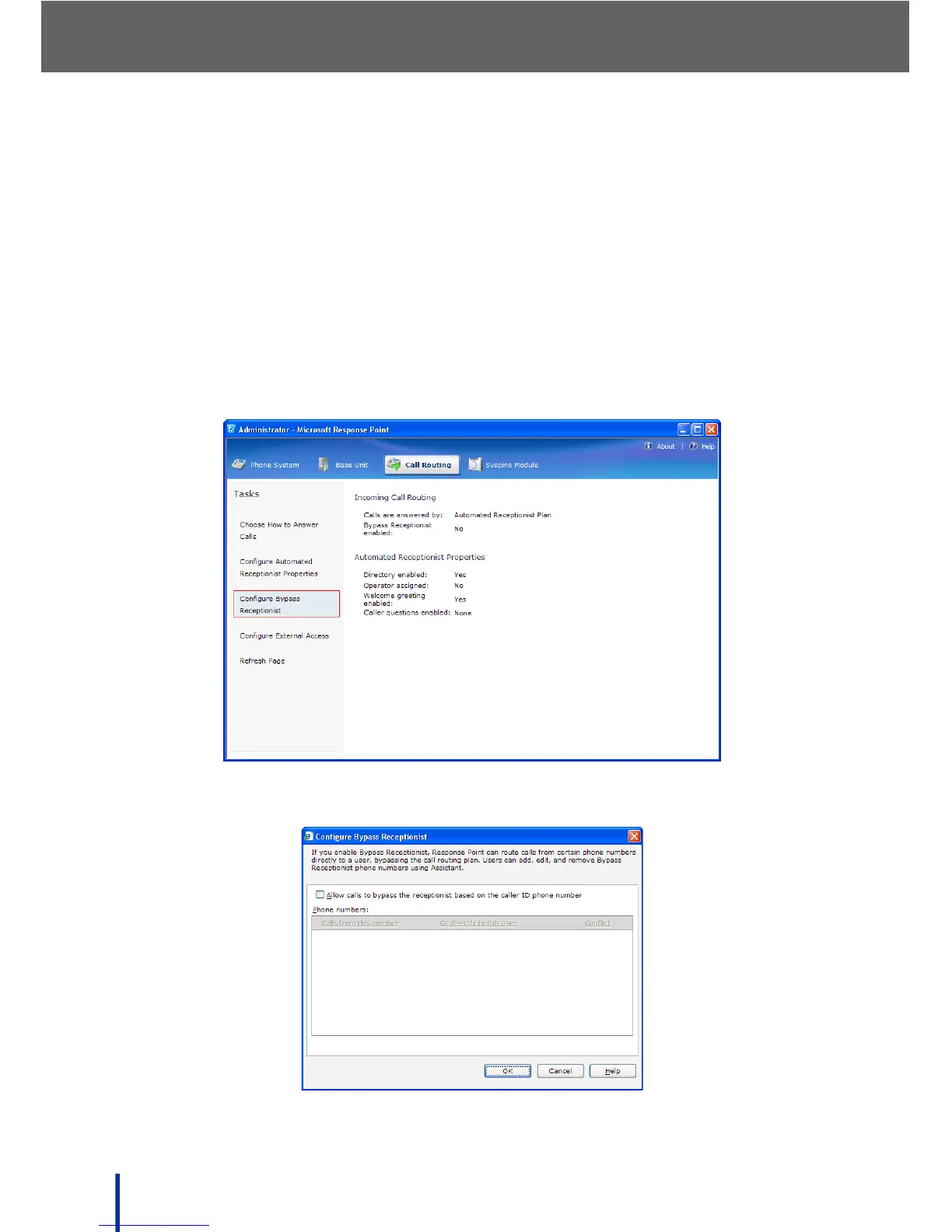
3.12.5 Using the Bypass Receptionist Feature
The administrator can enable this feature to allow users to bypass the recep-
tionist for selected incoming calls using the Assistant. The Configure Bypass
Receptionist screen is also used by the administrator to avoid duplicate
entries by different users.
To enable the Bypass feature, perform the following steps:
1. Go to Start´ All Programs´ Microsoft Response Point Administrator
to launch Microsoft Response Point Administrator.
2. Click Call Routing´ Configure Bypass Receptionist.
The Configure Bypass Receptionist screen displays.



 To Next Page