Basic Features
The Call Routing Tab 131
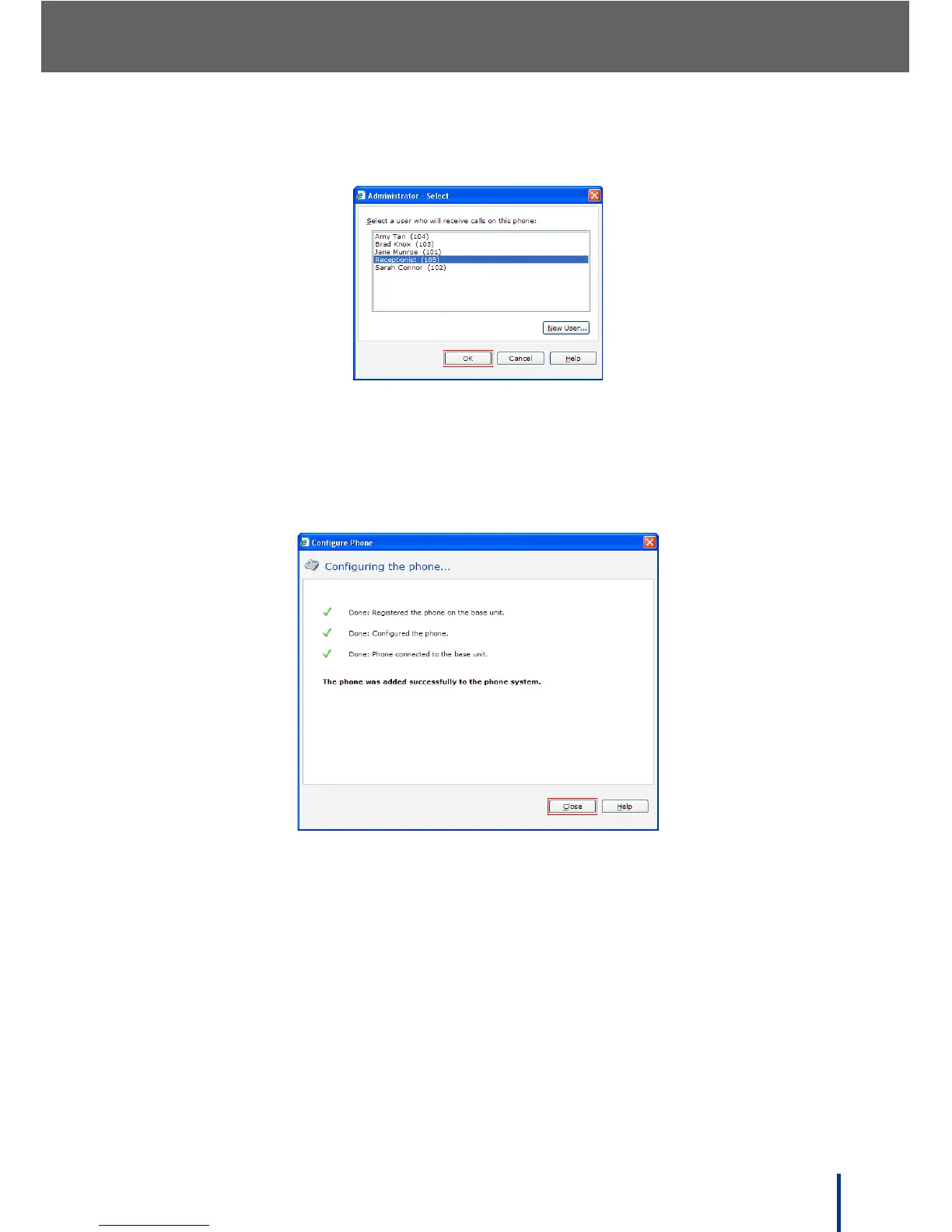
The Administrator - Select screen displays.
8. Click Receptionist in the list and click OK.
9. Click Next and follow the on-screen prompts to complete the wizard and
update the phone.
When the configuration is complete, the following screen displays.
10. Repeat steps 4 through 9 for each phone that is used to answer incoming
calls.



 To Next Page