Installation
Installing Response Point Assistant on a User’s Computer 47
2.6.3 Logging on to Response Point Assistant
After the installing the software, perform the following steps to log in to the
Assistant:
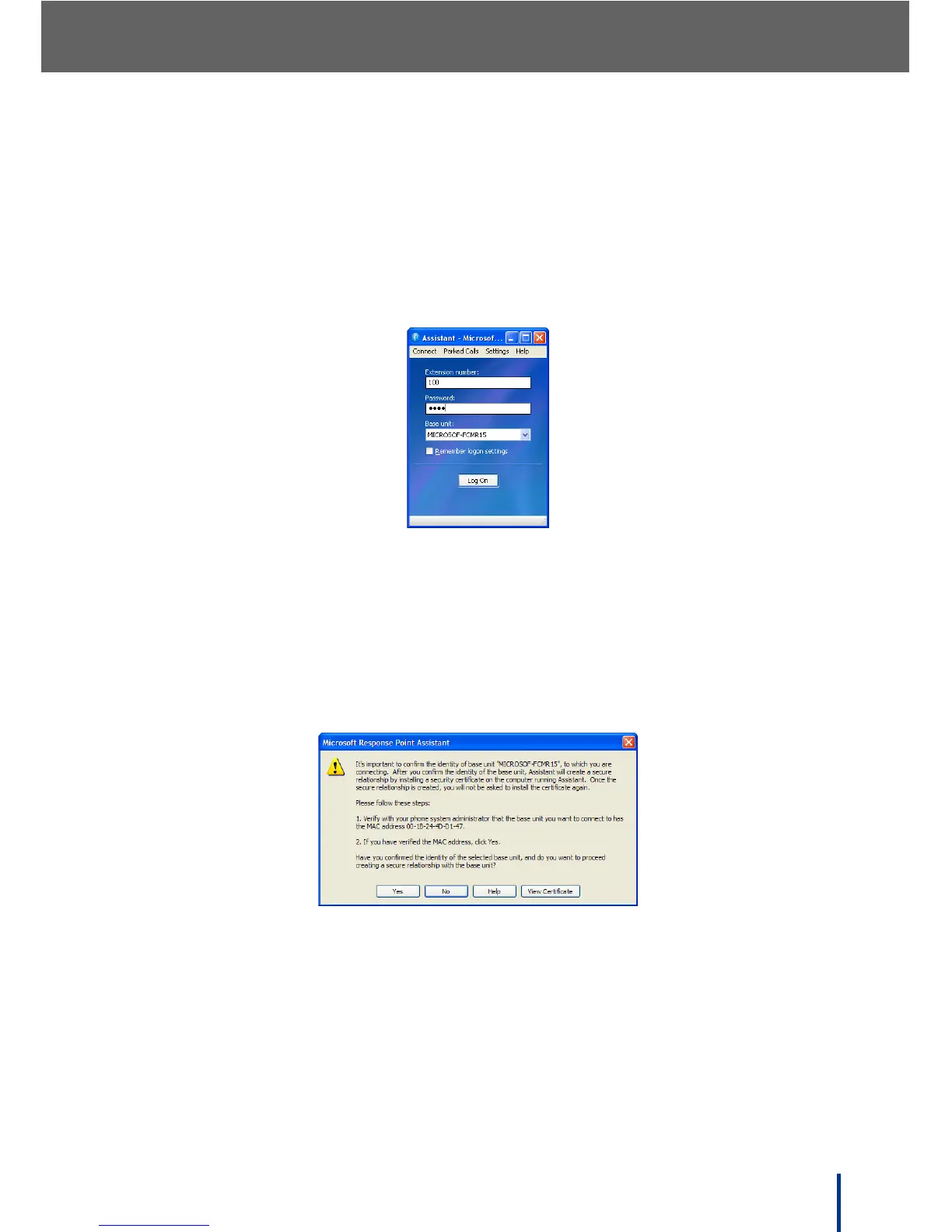
1. To launch Microsoft Response Point Assistant, go to Start´ All Pro-
grams´ Microsoft Response Point Assistant.
The log in screen displays.
2. Enter the user extension number and the default password 9999.
N
OTE: The DOS-A50 is automatically detected.
3. Click Log On.
In the first instance of logging on to the Assistant, a security certificate
must be installed to create a secure connection. The following screen dis-
plays.
4. Compare the MAC address on screen with the MAC address attached to
the DOS-A50. Ensure the MAC addresses are identical and click Yes to
continue.
N
OTE: View the certificate by clicking View Certificate if required.



 To Next Page