Basic Features
The Phone System Tab 87
3.10.3 Using the Voice Services Menu
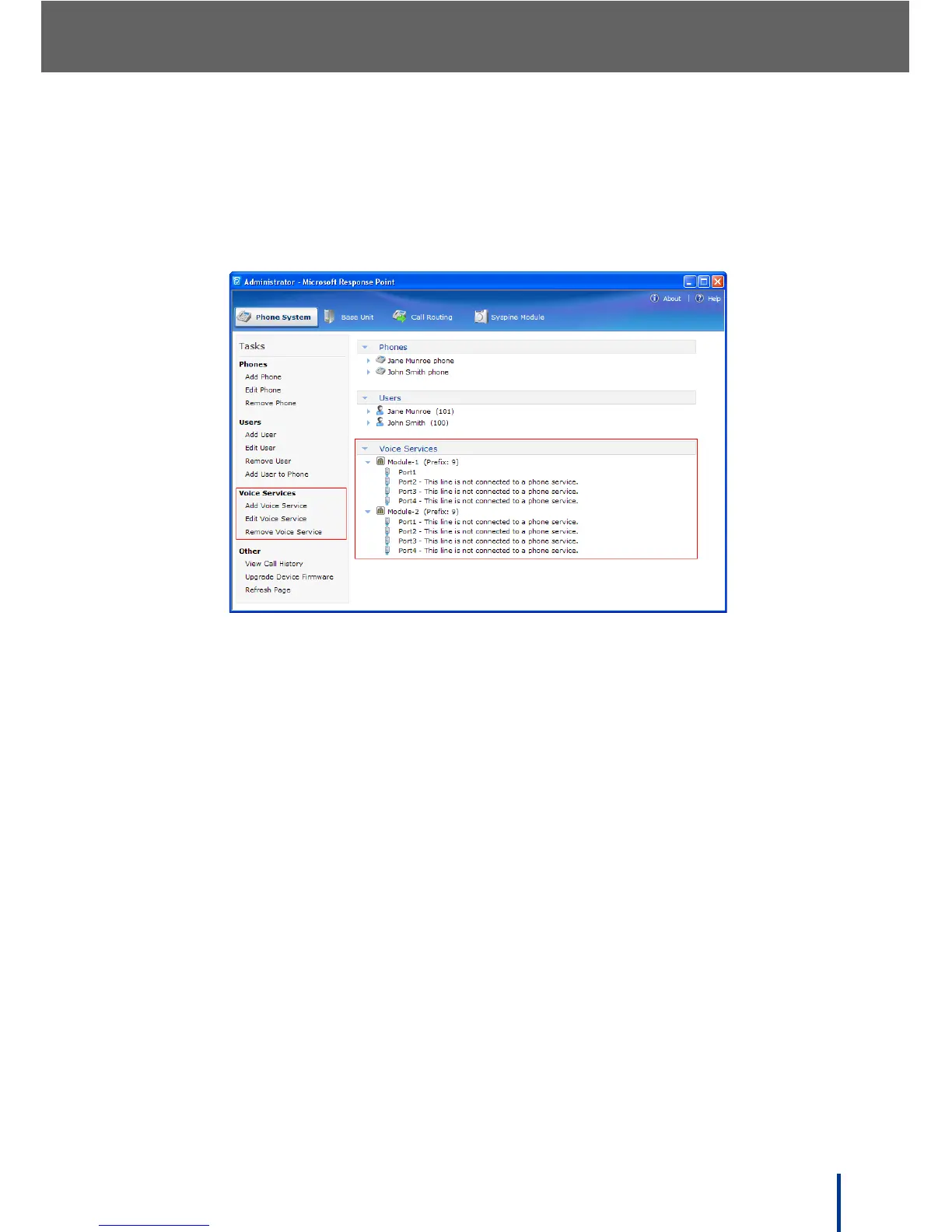
The Voice Services menu in the task panel is used to add voice services, edit
existing voice services, delete voice services no longer required, and check
phone line status.
The Voice Services drop-down menu tree in the summary panel shows all
available modules and ports associated with them. The administrator can
check module and line status using this panel.
N
OTE: In the example above, only Port1 on Module 1 is connected to an active
phone line.
DOS-A50 supports Plug and Play connection to traditional analog voice ser-
vices through the built in ATA modules or VoIP connected through the Internet,
each requiring no extra hardware.
N
OTE: DOS-A50 provides support for a single VoIP voice service. Attempting to
add a second VoIP voice service displays the Edit Voice Service
screen.



 To Next Page