Appendix A
Resetting Factory Defaults 169
5.2.2 Resetting the Administrator Password
To recover a Response Point Administrator Password, perform the following
steps:
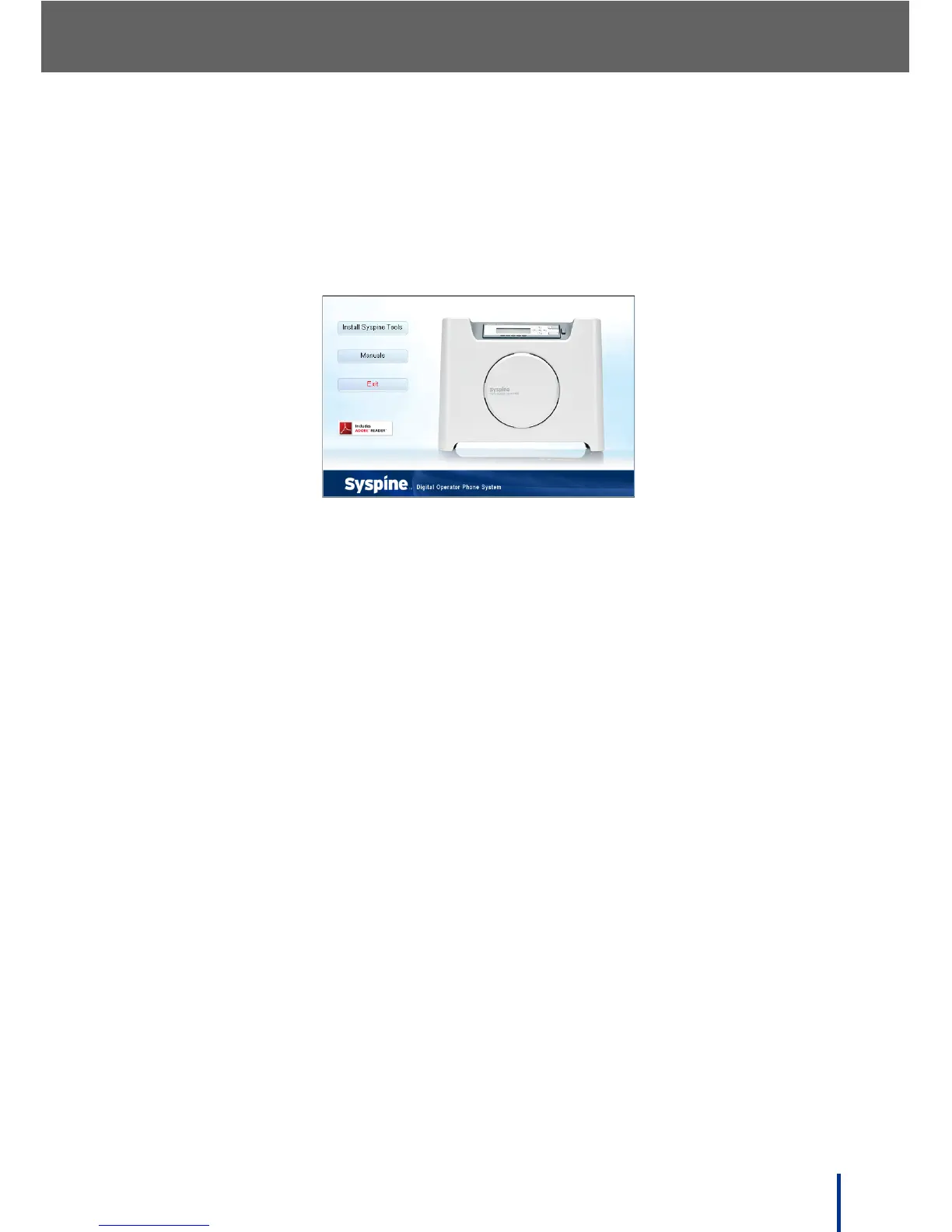
Insert the Installation CD provided. The Auto-run Interface starts automati-
cally and the following screen displays.
1. Click Manuals and open the Utilities folder.
2. Copy the ResponsePointPasswordReset.exe file to an empty USB flash
drive (also known as USB key) with activity light.
3. Insert the USB key in to the USB port on the DOS-A50 (see Rear View on
page 6 for location).
4. Verify the password is reset by logging into the Administrator using the
default password.
5. If the recovery fails, plug the USB key into a PC and open the Response-
PointPasswordReset.txt file. Take any corrective action indicated in text
file and repeat the recovery process starting from Step 1.



 To Next Page