Advanced Features
162 Syspine DOS-A50 Module Configuration
4.1.2 Changing the Syspine Module Page Password
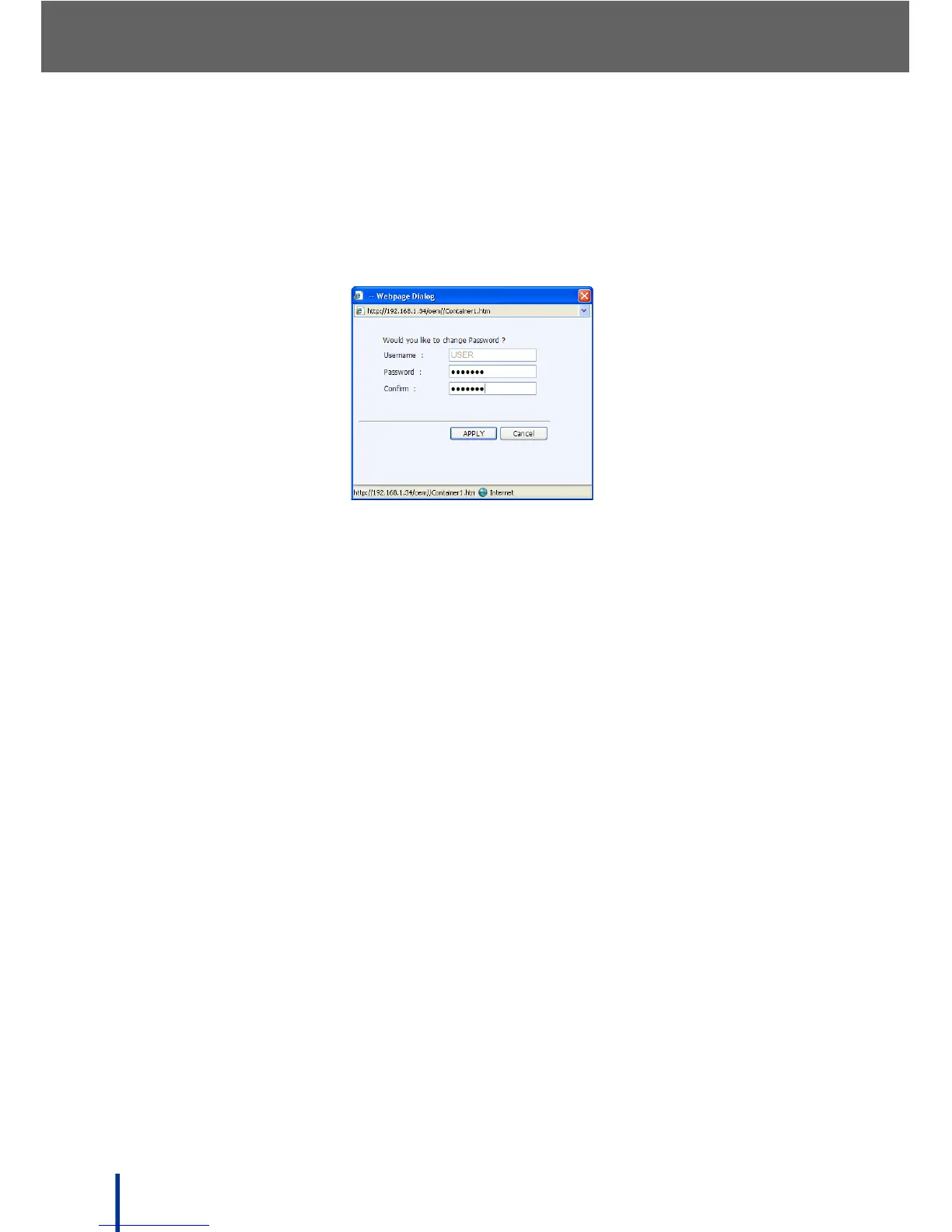
To change the Syspine Module access password, perform the following steps:
1. Click Change Password.
The Would you like to change password screen displays.
2. Enter a new password in the Password field and confirm.
3. Click APPLY.
A success message displays and the page redisplays.



 To Next Page