Basic Features
134 The Call Routing Tab
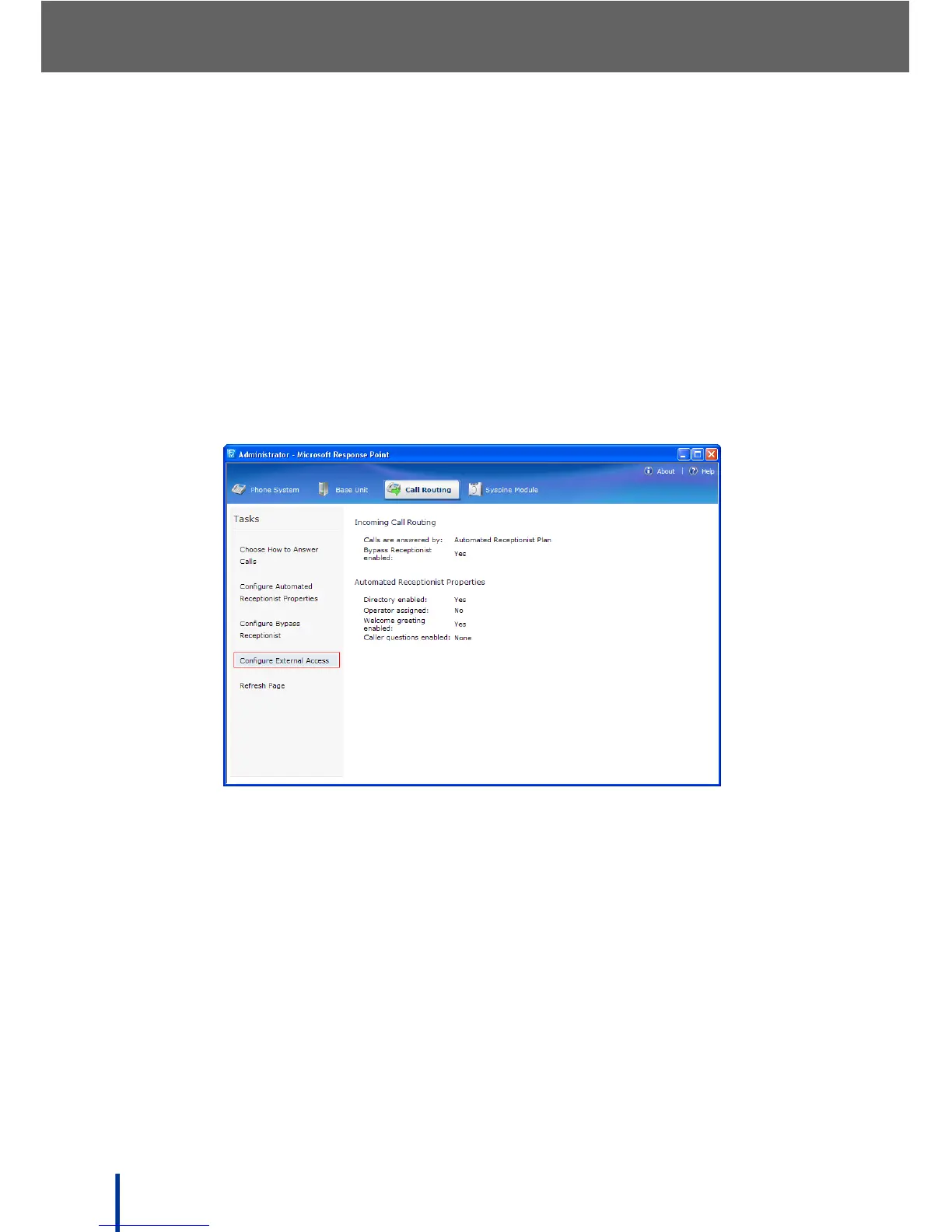
3.12.6 Configuring External Access
Enter external phone numbers of users who use the Syspine Phone System.
After entering their Assistant password, the system treats the incoming call as if
the user pressed the Response Point button on a phone in the office. Users
can call internal extensions, voice dial contacts, and check voicemail from the
phone numbers specified.
To configure a number for external access, perform the following steps:
1. Go to Start´ All Programs´ Microsoft Response Point Administrator
to launch Microsoft Response Point Administrator.
2. Click the Call Routing´ Configure External Access.



 To Next Page