Basic Features
58 Transferring Calls
3.5 Transferring Calls
Call transfer is used to manually extend a call to another extension or user with
ringing.
N
OTE: Only phones and users added to Response Point Administrator are
accessible for transfer.
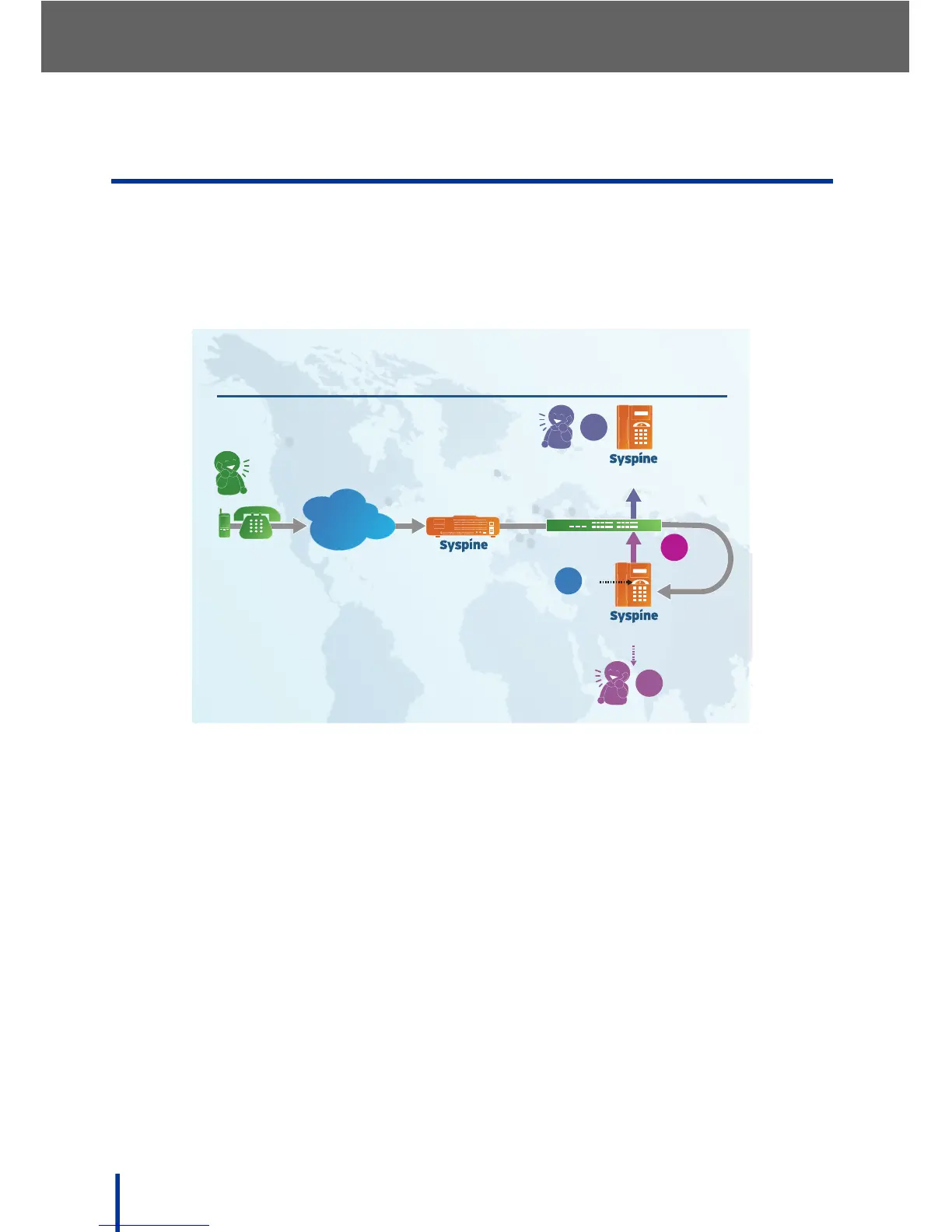
3.5.1 Using the Response Point Button
To Transfer an incoming call using Response Point, perform the following
steps:
1. Ask the calling party to wait while you transfer the call.
2. Press the Response Point button. The call is parked.
3. Say Transfer to and the name of the party to receive the call, for example:
Transfer to John Smith.
The Automated Receptionist announces the call is transferred and instructs
to hang up the phone.
4. Hang up the phone.
The system connects the call to the extension associated with the supplied
name. The incoming call is transferred.



 To Next Page