Basic Features
Using Call Park and Retrieve 57
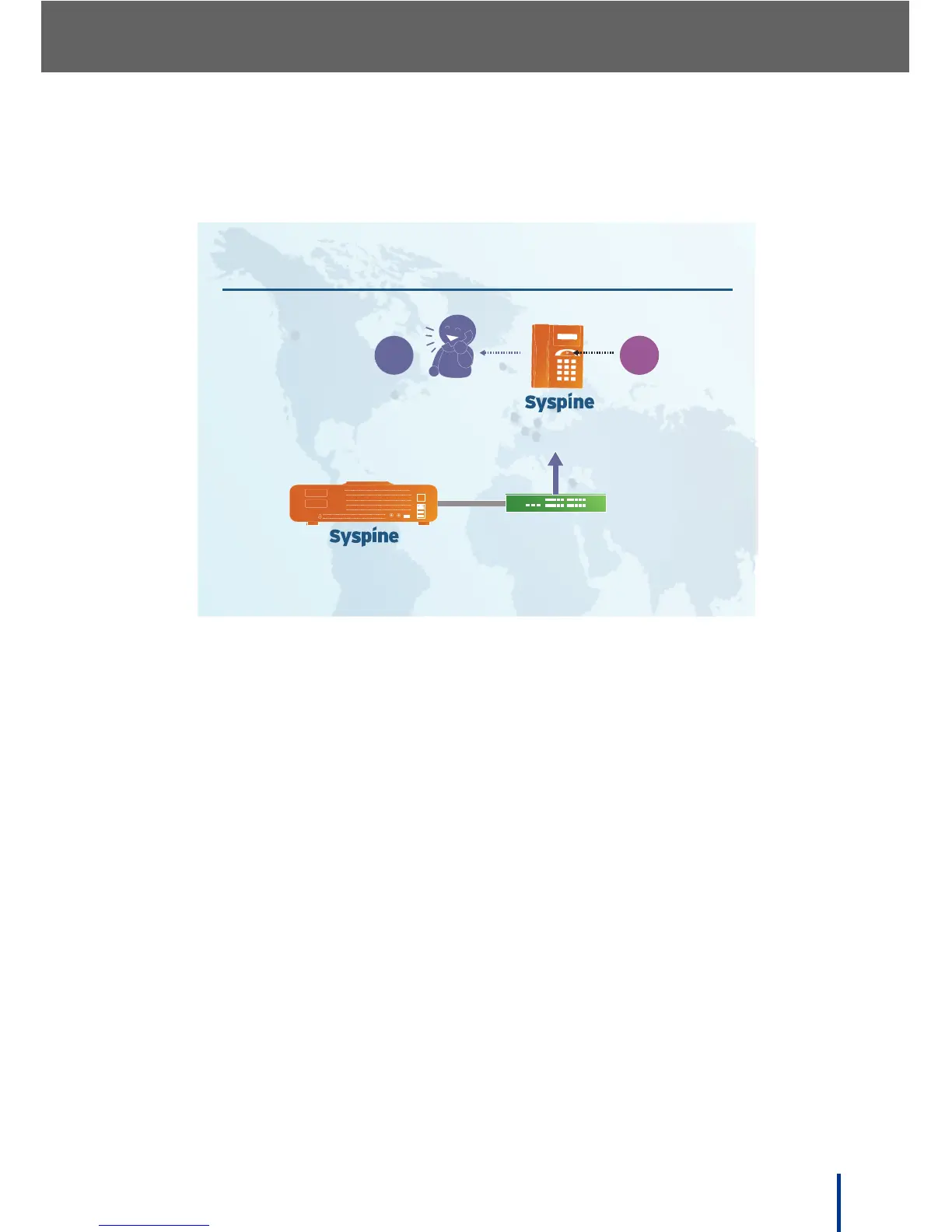
3.4.2 Retrieving a Parked Call
To retrieve a Parked call, perform the following steps:
1. Press the Response Point button.
2. Say Retrieve Call 1.
The call is retrieved from the parked status.
N
OTE: If more than one call is parked, retrieve the call in the order it was saved,
for example: say Retrieve Call 2 or Retrieve Call 3.



 To Next Page