Installation
24 Hardware Installation
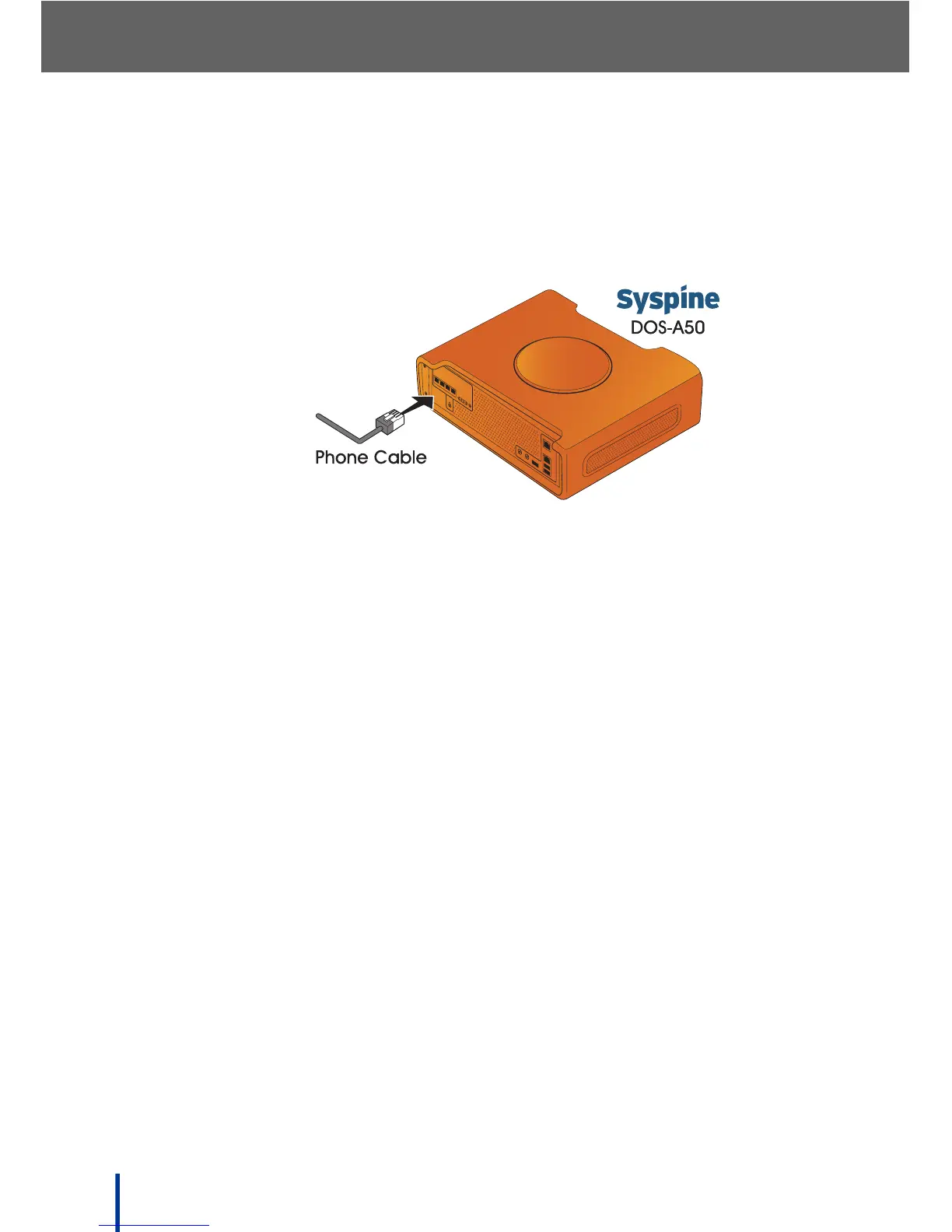
2.1.6 Connecting the DOS-A50 to the PSTN
After locating the DOS-A50, connect the PSTN by performing the following
steps:
1. Connect the phone cable to the PSTN as shown.
2. Check that the telephone line module LED on the back of the DOS-A50
lights green (see Rear View on page 6 for location).
N
OTE: If the telephone line status LED does not light for any active phone line,
check the public telephone line and Voice Services. See Using the Voice
Services Menu on page 87 for more information.
P4 P3
P2 P1
DC IN
Connect to Public
Telephone Network



 To Next Page