Installation
Hardware Installation 23
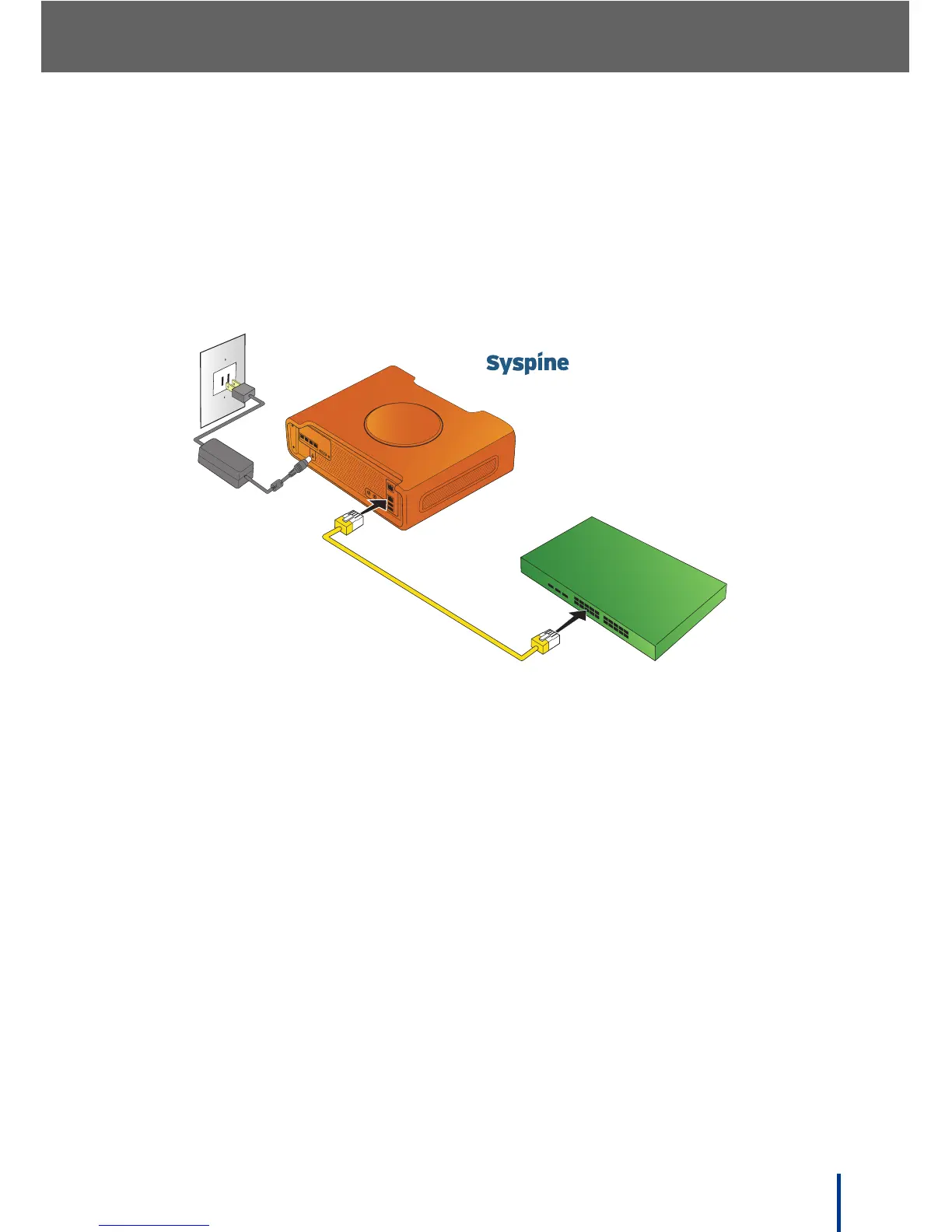
3. Use one of the supplied Ethernet cables (yellow) to connect the LAN port of
the DOS-A50 to the LAN switch and plug in the AC adapter into a standard
electrical outlet.
Before continuing, make sure the display shows SERVICE READY.
N
OTE: Ensure that all cables are properly inserted and the LAN switch is work-
ing properly before continuing.
Power Cable
P4 P3 P2 P1
DC IN
Local Area Networ



 To Next Page