Advanced Features
160 Syspine DOS-A50 Module Configuration
4.1.1 Restarting the System or Modules
The Restart System/Module task is used to reboot modules installed in DOS-
A50 and reboot the base unit without access to the LCD panel on DOS-A50.
IMPORTANT!
Do not reboot multiple modules at the same time. Select items one-at-
a-time and reboot individually.
To restart a module, perform the following steps:
1. Click Restart System/Module.
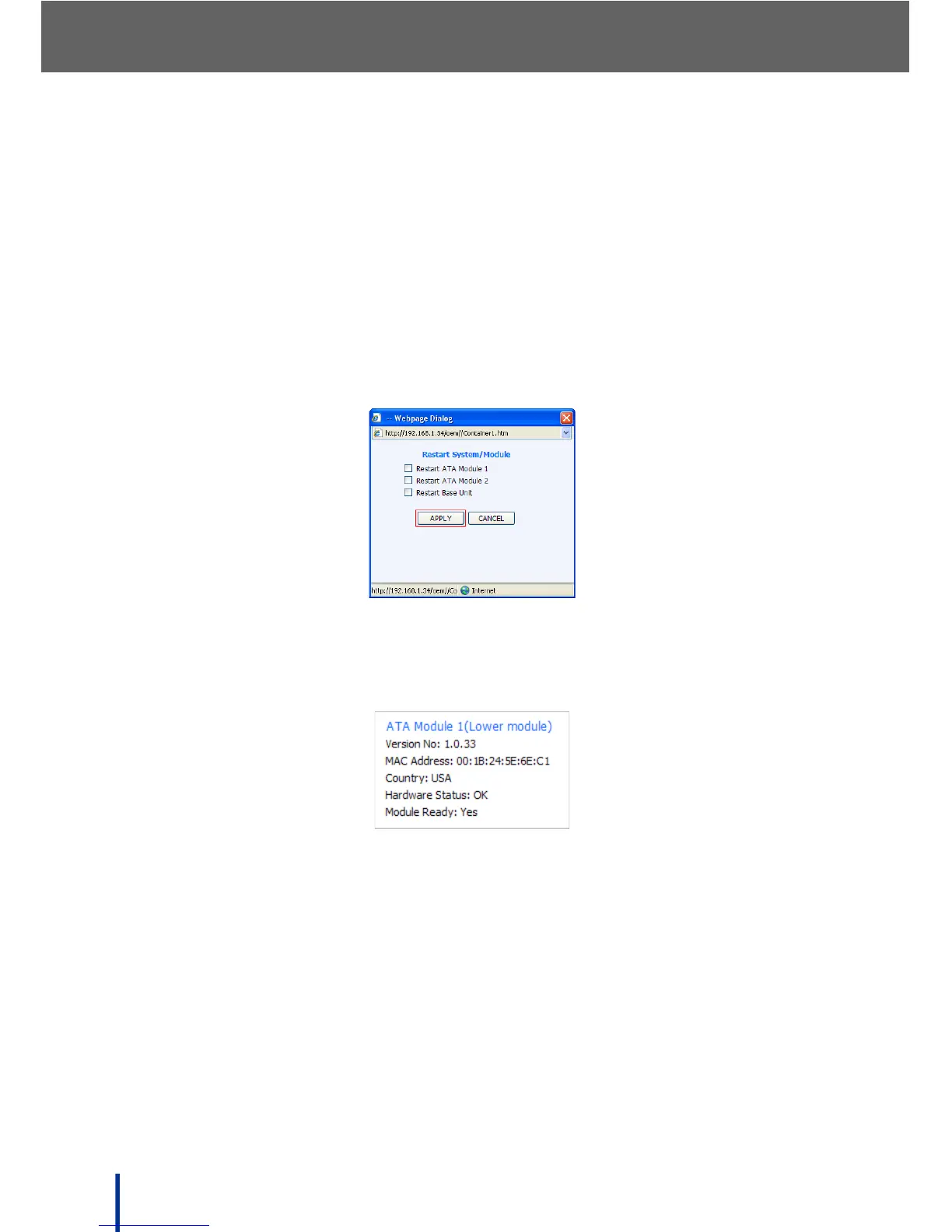
The Restart System/Module screen displays.
2. Select the Module to reboot and click APPLY.
3. Refresh the page until the status of the selected module appears as shown.



 To Next Page