Installation
38 Configuring the IP Phone 310s
2.5 Configuring the IP Phone 310s
After logging on to the Administrator, the installed IP Phone 310s must be
detected and new users added. Perform the following steps to detect the
phones and add new user information.
2.5.1 Adding a Phone and New User
1. Go to Start´ All Programs´ Microsoft Response Point Administrator
to launch Microsoft Response Point Administrator, if it is not already run-
ning.
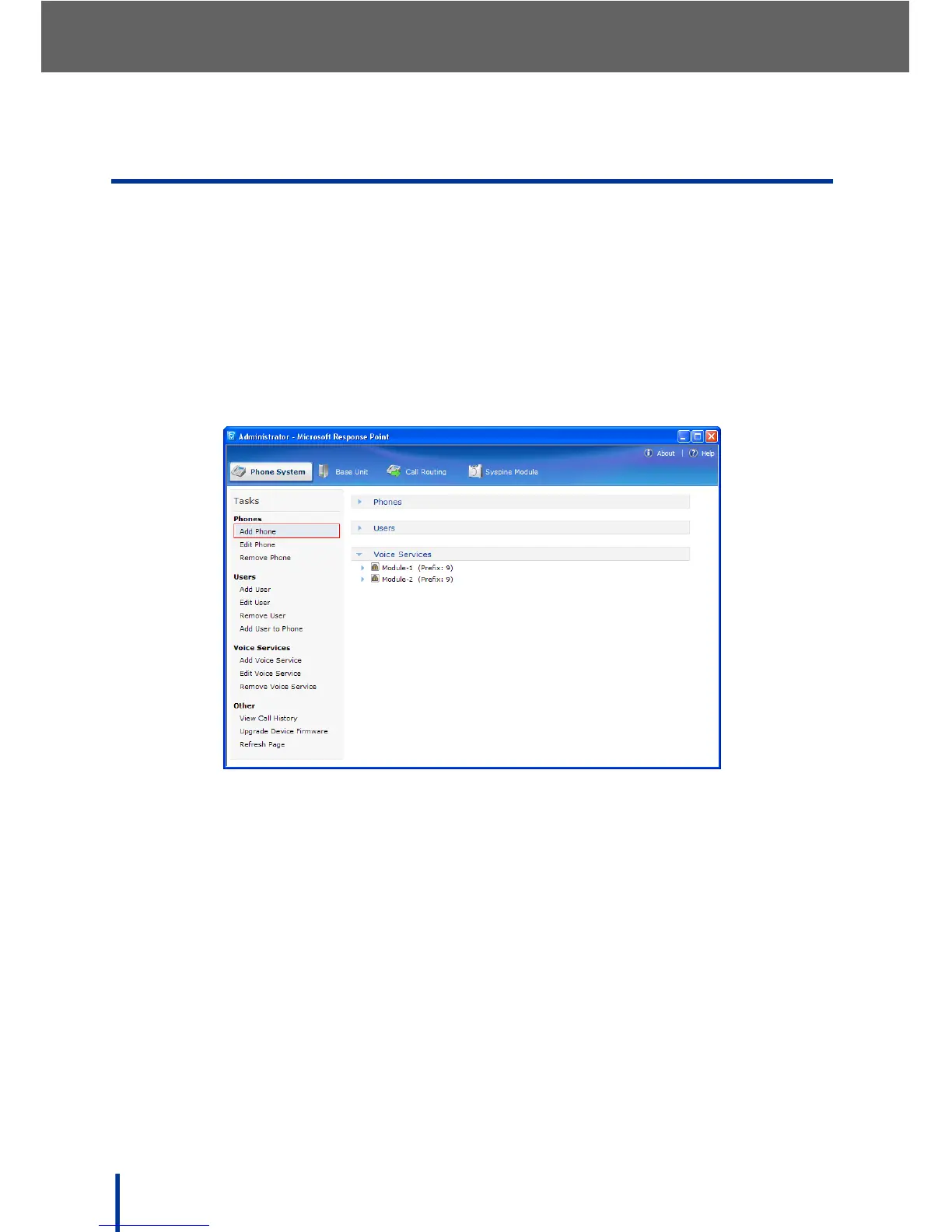
2. Click the Phone System tab. In the Tasks pane, click Add Phone.



 To Next Page