Basic Features
52 Making Calls to Extensions
3.1 Making Calls to Extensions
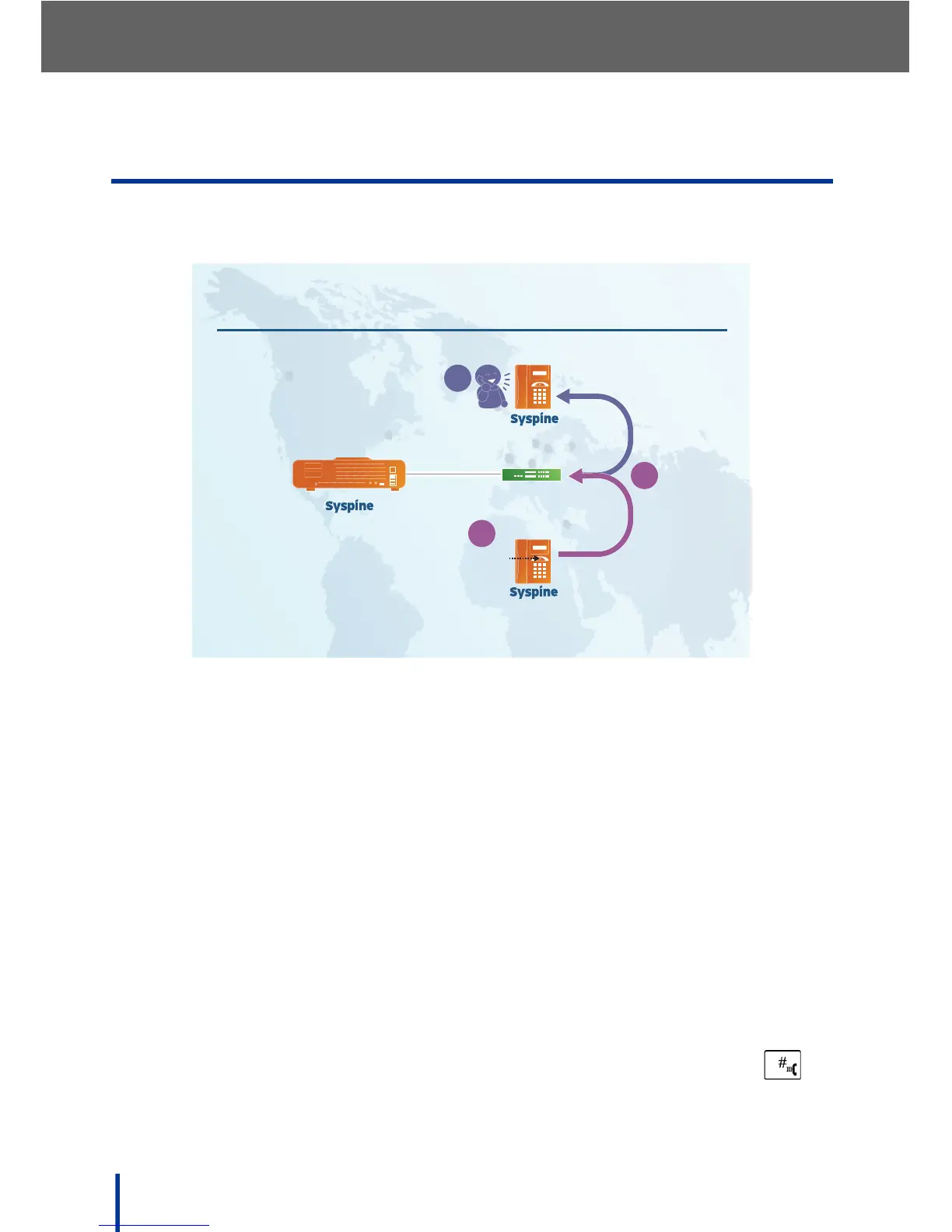
Extension calls are calls placed to other Syspine IP Phones. Using Response
Point, calls can be made even if a user's number is unknown.
3.1.1 Using the Response Point Button
To make an Extension call using Response Point, perform the following steps:
1. Press the Response Point button on the IP Phone and say the name of
the contact person.
2. The system connects the call to the extension associated with the name
supplied.
3. The contact receives the call.
3.1.2 Using the Keypad
Alternatively, to make an Extension call using conventional methods, perform
the following steps:
1. Lift the handset of the IP Phone.
2. Dial the required extension using the keypad and press Dial/Enter ( ).
3. The system connects the phone to the supplied extension.



 To Next Page