Installation
Installing Response Point on the Administration Computer 31
2.3.2 Installing with Windows Vista
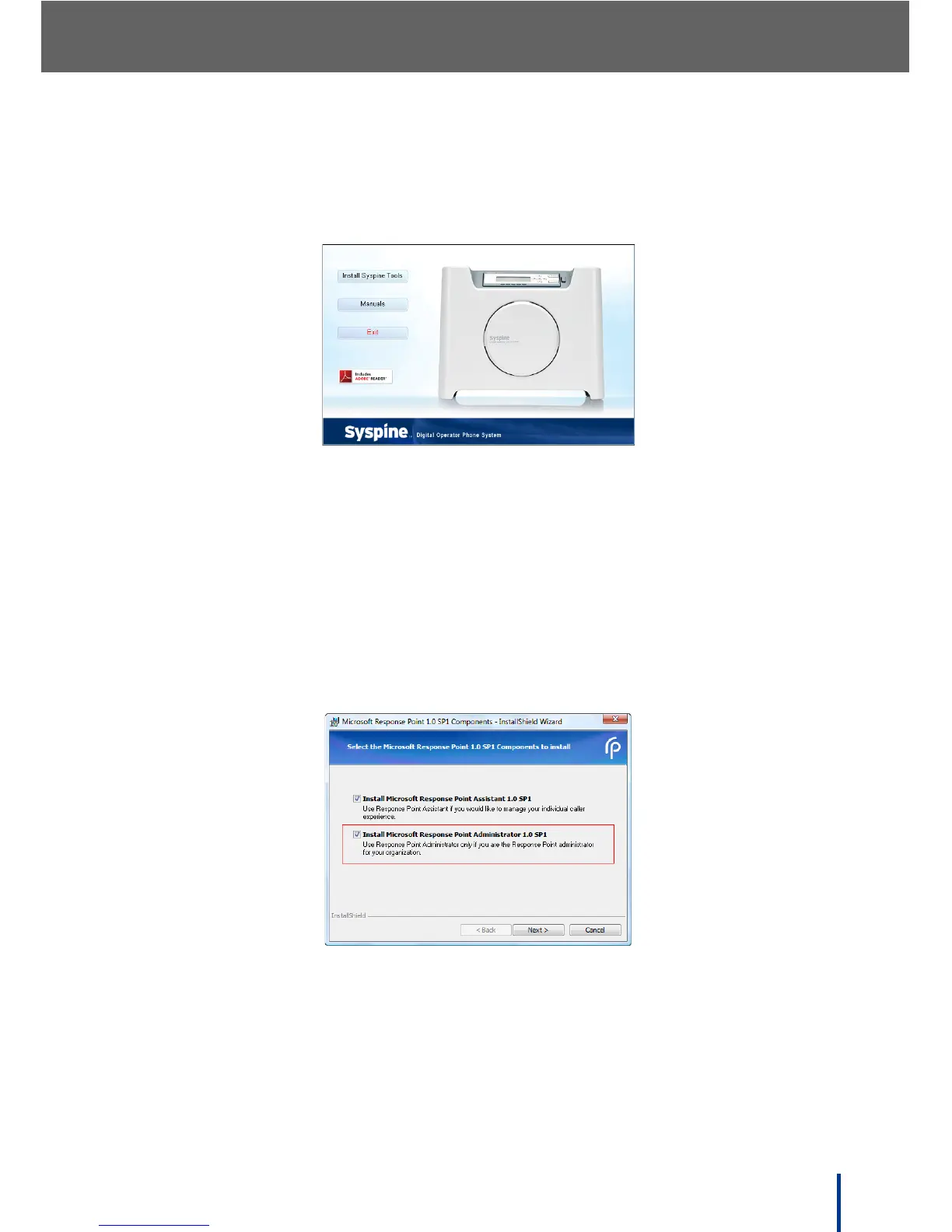
1. Insert the Installation CD provided. The Auto-run Interface starts automati-
cally and the following screen displays.
N
OTE: If the Auto-run Interface does not start automatically, access the CD
using Windows Explorer and manually execute CDRun.exe in the root
directory to begin installation.
2. Click Install Syspine Tools.
N
OTE: If a security screen displays, click the appropriate response to allow the
installation to continue.
The Select the Microsoft Response Point 1.0 SP1 Components to
install screen displays.
N
OTE: The Administrator software does not install by default.
3. Ensure that all the check boxes are selected, including Install Microsoft
Response Point Administrator 1.0 SP1.
4. Click Next.



 To Next Page