Basic Features
Making External Calls 53
3.2 Making External Calls
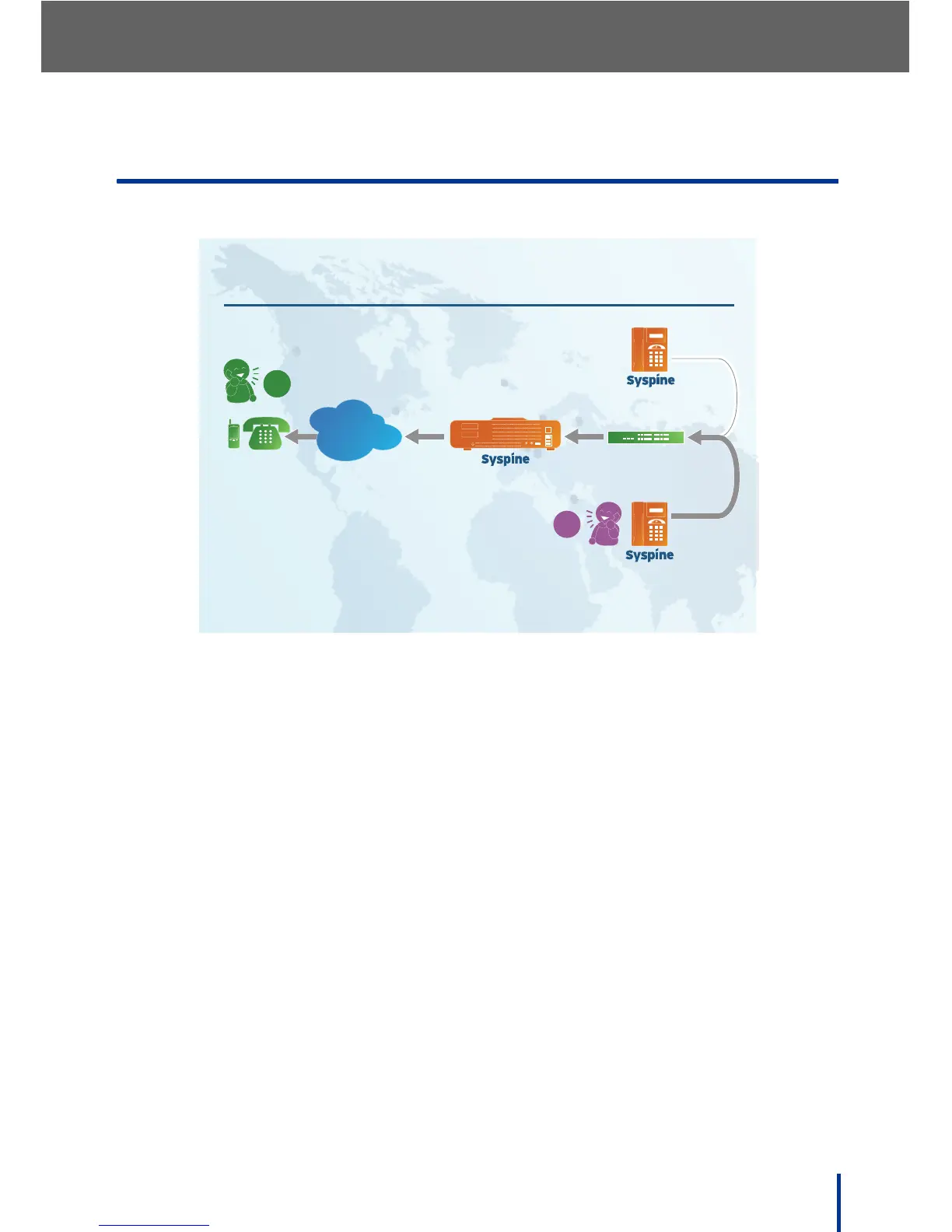
External calls are calls placed to contacts outside the internal network.
3.2.1 Using the Response Point Button
To make an external call using Response Point, perform the following steps:
N
OTE: To use voice dialing to external numbers, the contact must be added to
the user’s contact list using the Assistant. See Using the Contacts Tab on
page 146 for more information.
1. Press the Response Point button on the IP Phone and say the name of
the person to call followed by at work, at mobile, or at home to specify the
appropriate contact number.
N
OTE: The information in the Contact screen must include designated work,
mobile, or home numbers.
For example, say Jane Munroe at home.
2. The system connects the call to the external number associated with the
name and location supplied.
N
OTE: If VoIP calls result in an error, logon to Administrator and go to
Base Unit´ View Event Log and look for information on any failures
that occurred.



 To Next Page