Basic Features
130 The Call Routing Tab
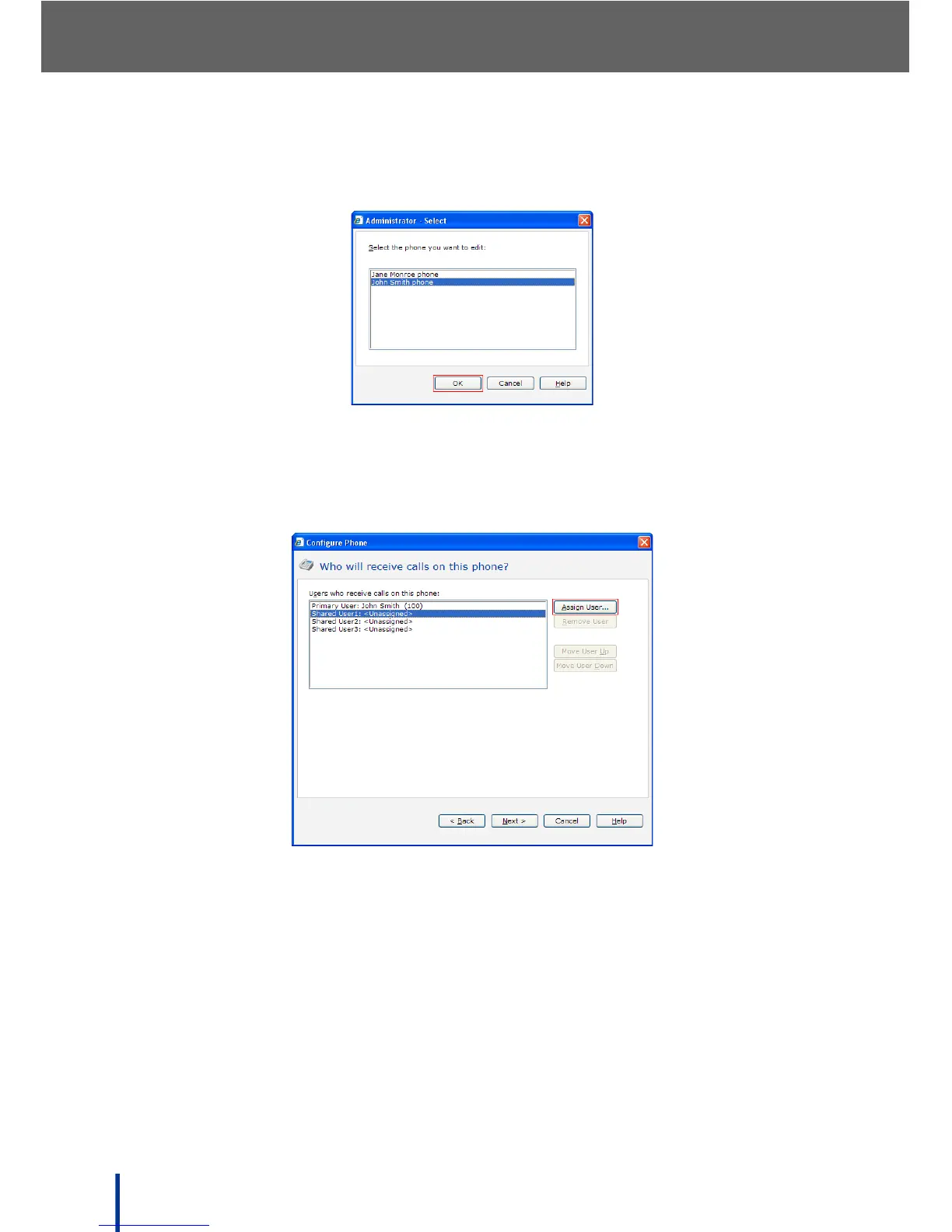
4. In the Tasks pane, click Edit Phone. Select a phone to assign to the Multi-
ple Phone Ring Plan and click OK.
5. The Confirm identity of the phone screen displays. Click Next.
6. The Who will receive calls on this phone screen displays.
7. Select an unassigned shared extension and click Assign User.



 To Next Page