Basic Features
The Call Routing Tab 129
This plan usually involves some sort of social agreement among coworkers.
For example, if the receptionist doesn’t pick up an incoming call in four rings,
someone else will answer one of the other phones that are ringing.
A Job Role user is a good method of setting up a multiple phone ring plan. This
method creates a generic user called, in this case, Receptionist. The user
Receptionist is then added to all the existing user extensions that are required
to answer incoming calls.
To create a Multiple Phones Ring Plan using the Job Role user approach, per-
form the following steps:
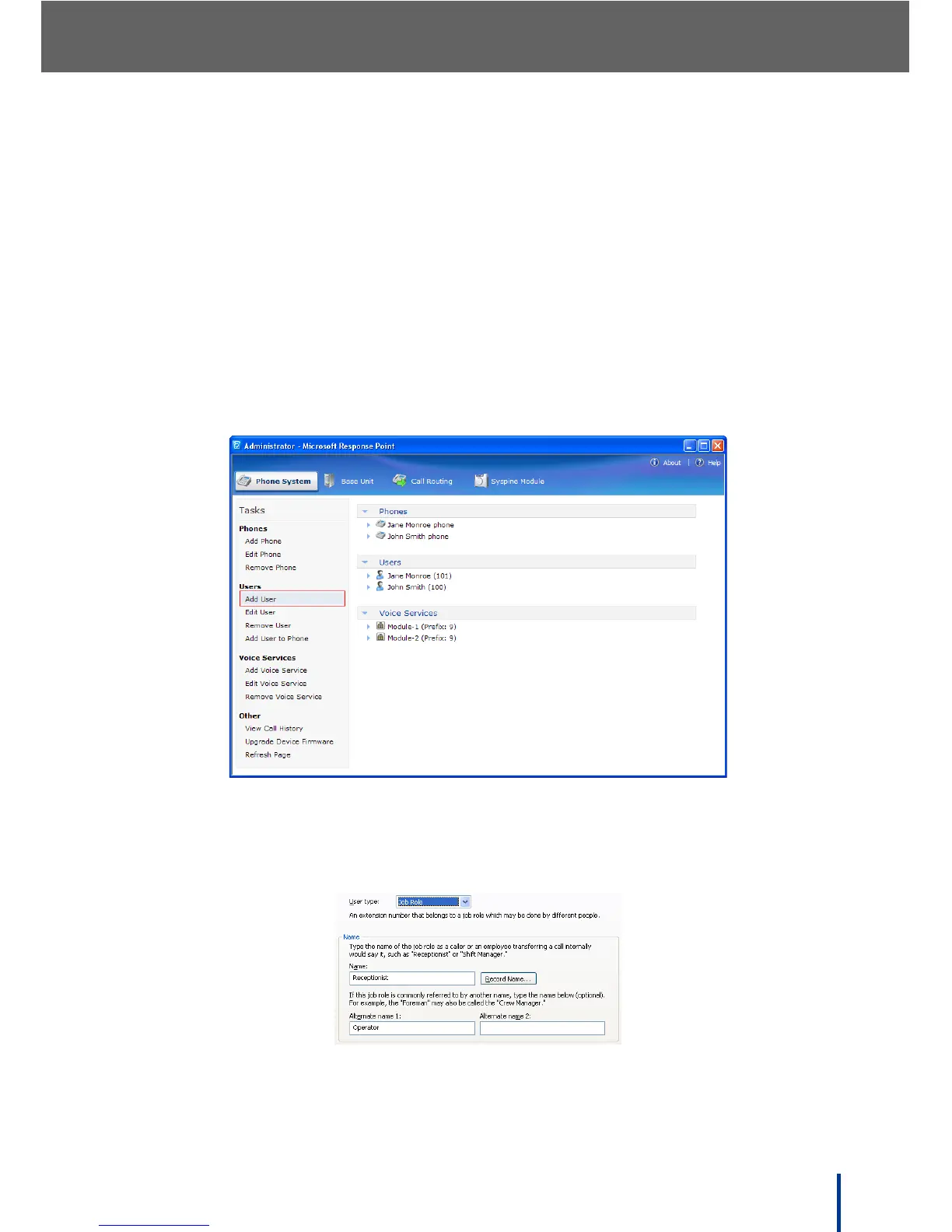
1. From the Administrator, click Phone System´ Add User.
2. In the New User dialog box, on the Identification tab, select Job Role as
the user type from the drop down menu, type the name for the role (in this
case, Receptionist), and set other properties as necessary.
3. Click OK to add the user to the phone system.



 To Next Page