Basic Features
144 Microsoft Response Point Assistant Features
3.13.3.3 USING THE CALL FORWARDING TAB
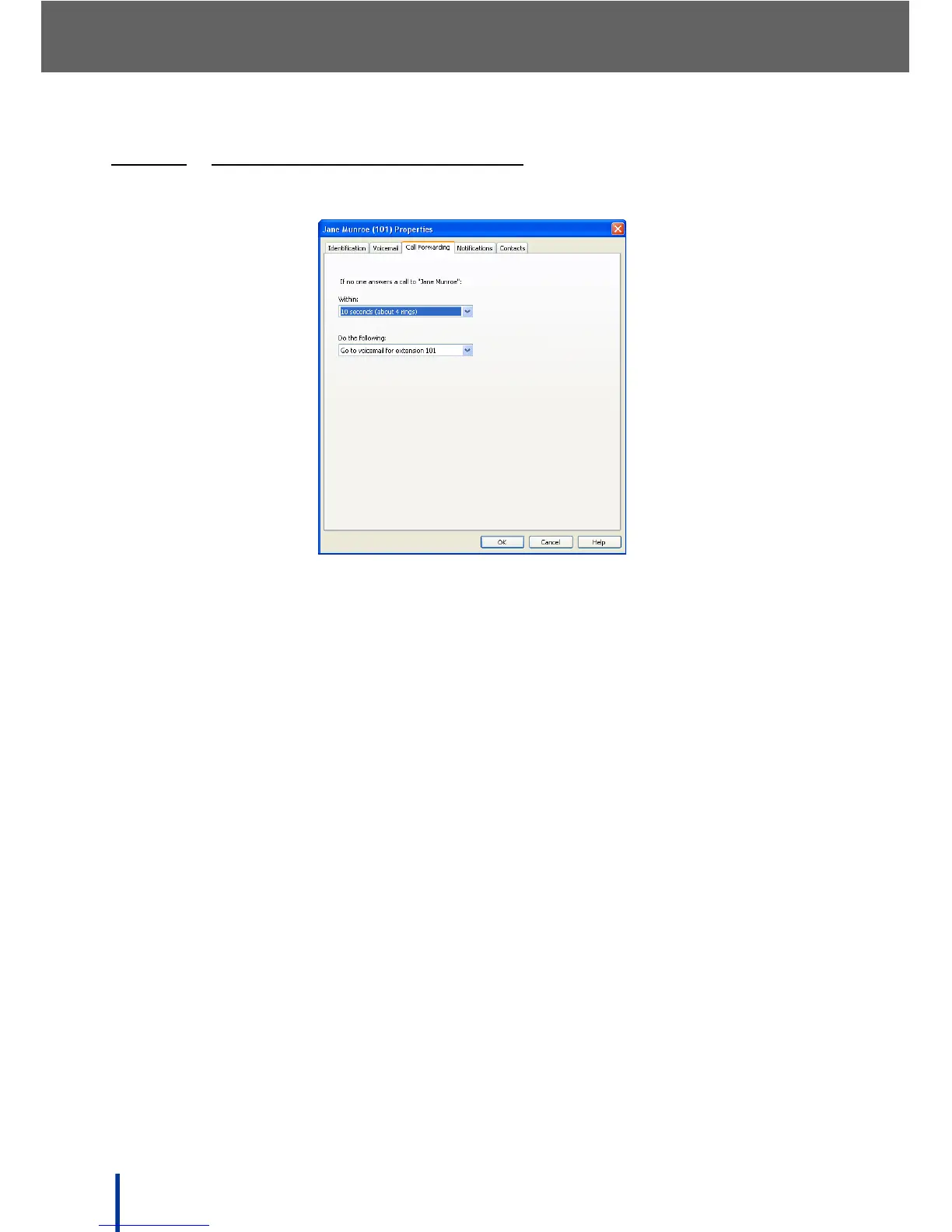
The Call Forwarding screen is used to specify call forwarding rules for users.
• Select the amount of time the phone rings before call forwarding activates
from the Within: drop-down menu. The available range is 0 (0 rings) to 20
seconds (approximately 8 rings). The default is 10 seconds or about 4
rings.
• Select the call forwarding rule from the Do the following: drop-down menu
and complete the Forward to: field.
N
OTE: The default is Go to voicemail for extension nnn so the other fields on
this screen are unavailable until a call forwarding rule is applied.



 To Next Page