Basic Features
70 Microsoft Response Point Administrator
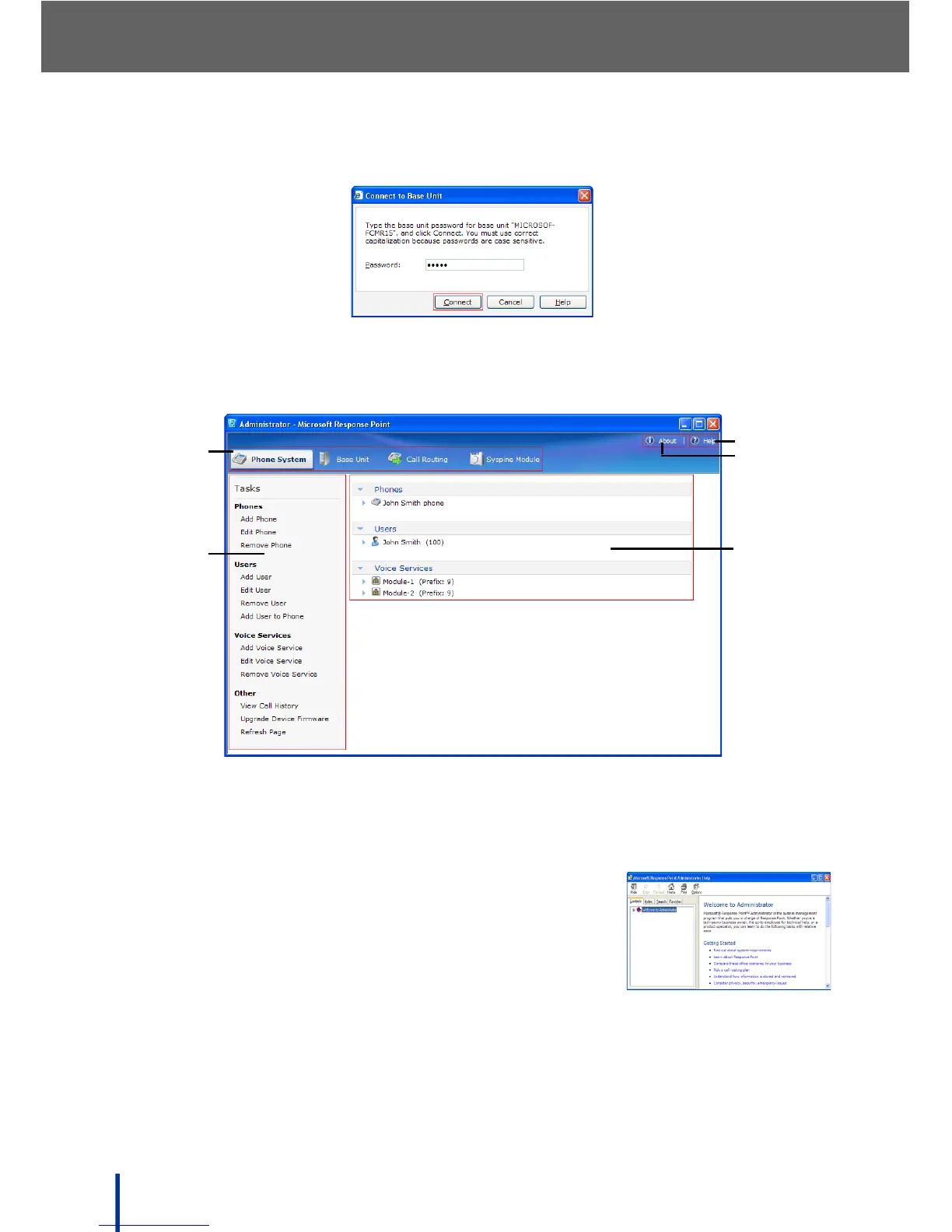
Once connection is established, a password prompt displays.
4. Enter the default password admin and click Connect.
The main Administrator - Microsoft Response Point screen displays.
The Administrator screen is composed of the following areas:
1. The Navigation tabs—select the required tab for viewing.
2. The Task panel—select the required option to configure.
3. Help—displays the Microsoft Response Point
Administrator Help screen.
Navigate the help screen by using the Contents,
Index, and Search tabs on the top of the left-hand
panel.
4. About—displays the version of Administrator installed and the version of
the DOS-A50 to which Administrator is connected.
5. The Summary panel—shows a brief summary of configured items.



 To Next Page