Basic Features
68 Voicemail to E-mail Forwarding
• If no event is logged, the test is successful and voicemail to E-mail is cor-
rectly setup.
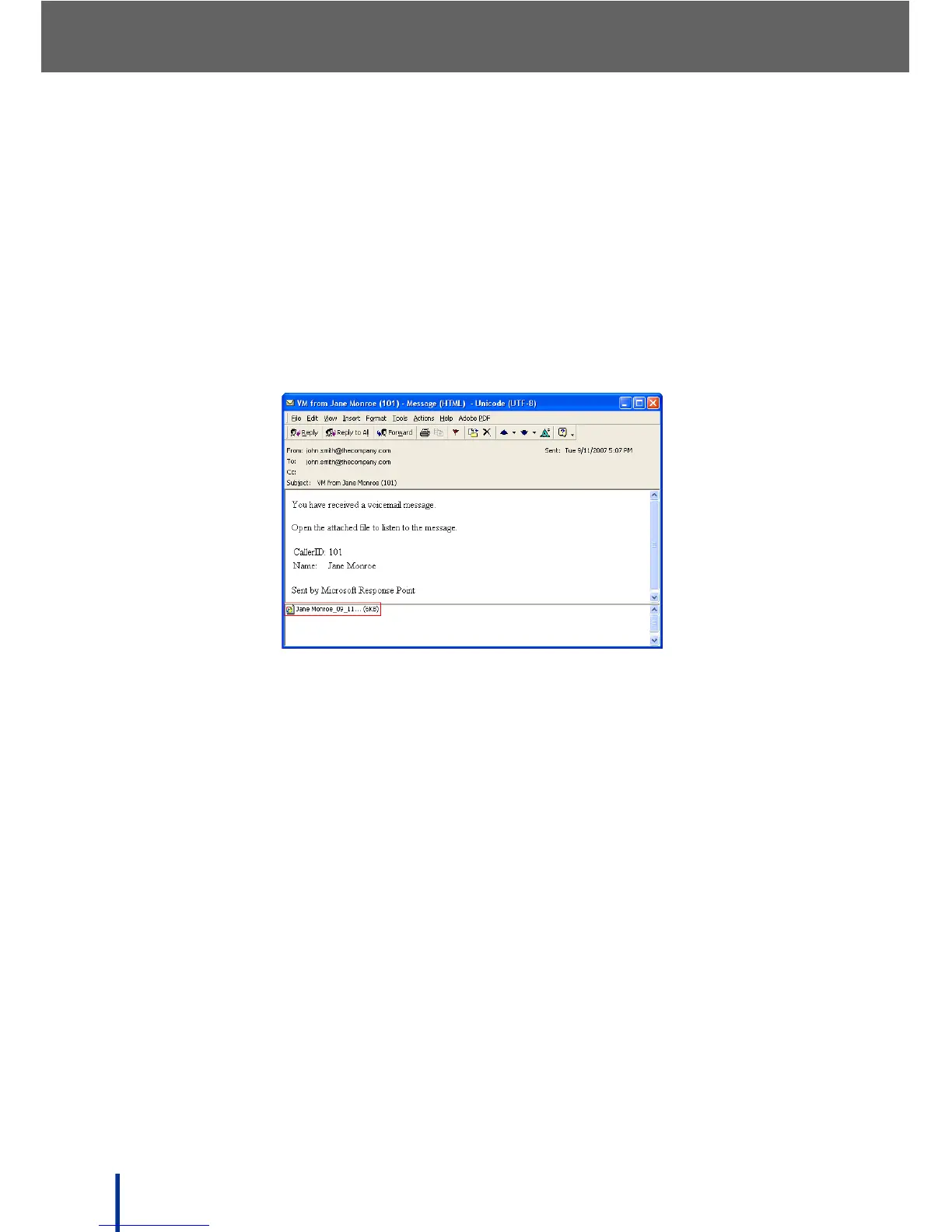
3. Wait an appropriate amount of time for the E-mail to be delivered to the
destination E-mail address.
N
OTE: Timeline to receive E-mail varies depending on the performance of the
mail system in use.
4. Launch the test user's Microsoft
®
Office Outlook
®
program. Check that the
E-mail was received and that it has an attachment (WAV file).
5. Double click the attachment (WAV file) to listen to the voicemail.



 To Next Page