Basic Features
122 The Call Routing Tab
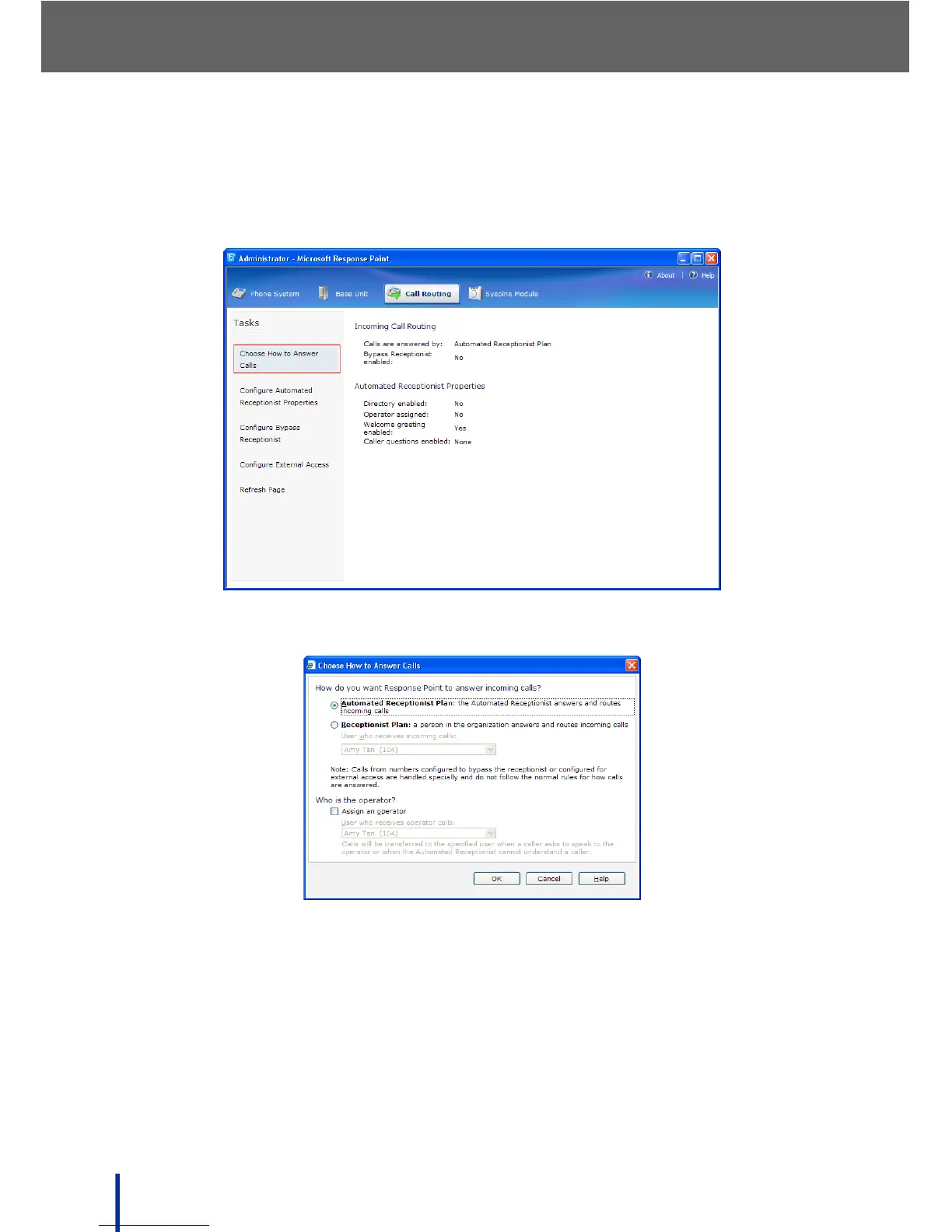
To select how calls are handled, perform the following steps:
N
OTE: If no plan is selected, the default Automated Receptionist Plan is used.
1. Click Choose How to Answer Calls, as shown.
The Choose How to Answer Calls screen displays.
2. Select Automated Receptionist Plan or Receptionist Plan.
• Automated Receptionist Plan—assign an operator by checking Assign
an Operator and selecting the person to answer calls from the drop-down
menu. Calls are transferred to the specified user when a caller asks to
speak to the operator or when the Automated Receptionist cannot under-
stand a caller. See Using the Automated Receptionist Plan on page 123 for
more details on set up.



 To Next Page