Introduction
12 Syspine IP Phone 310
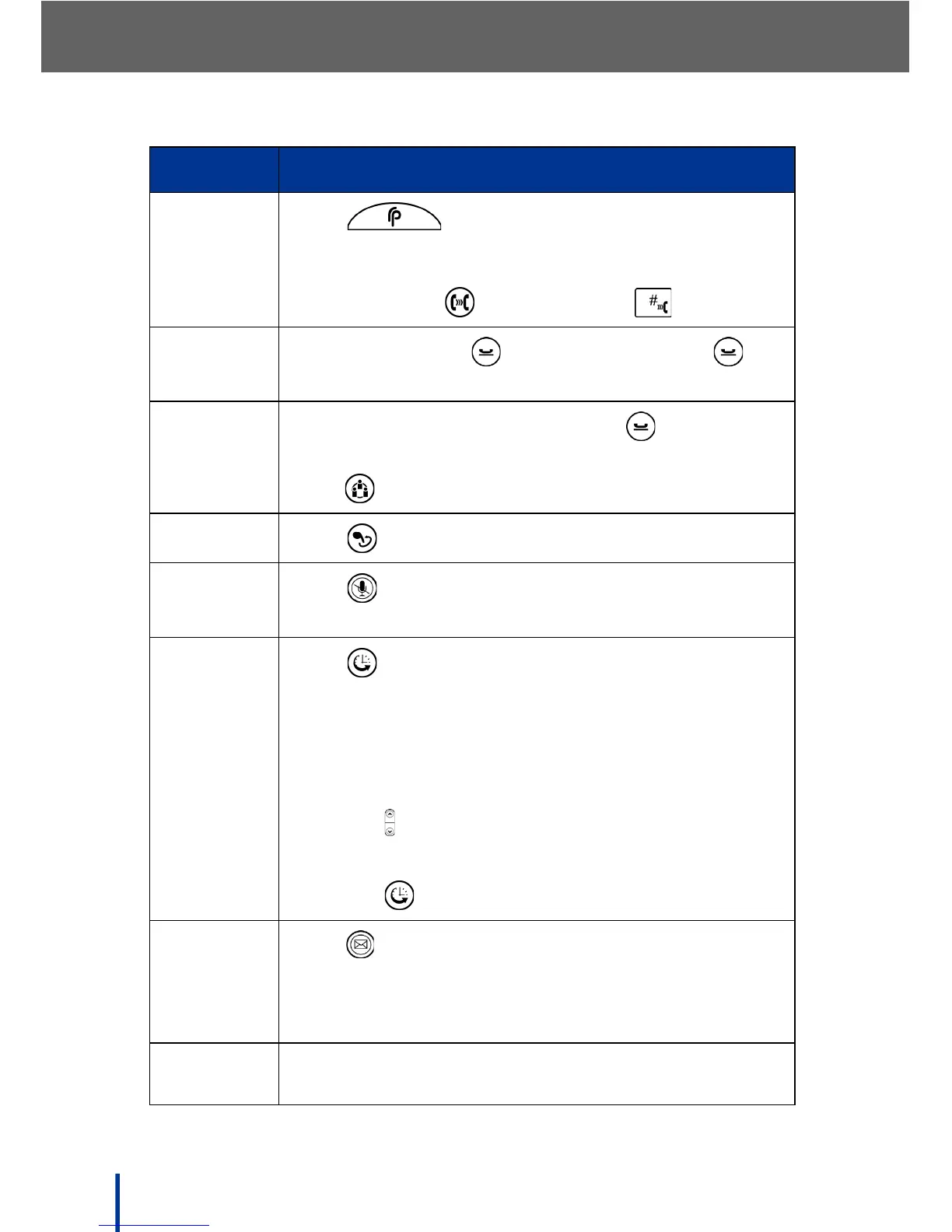
Call
Transfer
Press to park the call, then say Transfer
call <parked call number> to, and the name of the
contact to call (for example: Transfer call 1 to John
Smith), or press + ext. number + .
Call Hold
During a call, press to hold the call. Press
again to retrieve the call.
3 Way
Conference
During a call with the1st party, press to hold the
1st party and get the dial tone, dial the 2nd party and
press again to start the conference.
Redial
Press to redial the last number.
Mute
Press to turn Mute on or off during Handsfree or
Handset calling
Call
History
Press to access the following call history options:
1. Missed Calls
2. Received Calls
3. Dialed Numbers
4. Erase Records
5. Press to access next item
6. Press # to confirm the item
7. Press to go back one level
Voicemail
Press .The Automated Receptionist says Welcome
to voice mail, please enter your password.The
default password is 9999. Press 1 to listen to the new
message or follow the prompts for more options.
Check IP
address
Press # *47 (# *IP) to display the phone IP address.
Label Description



 To Next Page