Installation
34 Logging on to Response Point Administrator
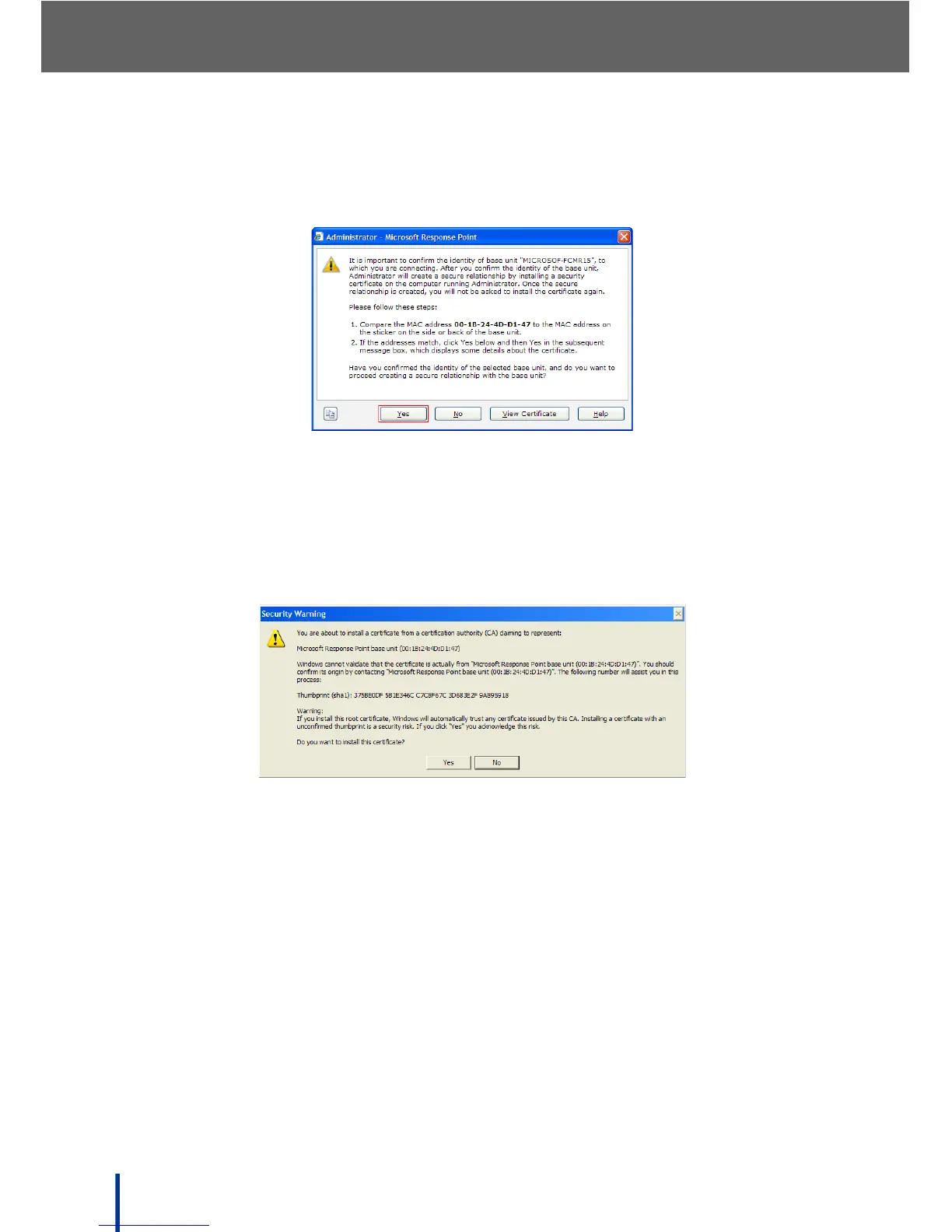
In the first instance of logging on to the Administrator, a security certificate
must be installed to create a secure connection. The following screen dis-
plays.
4. Compare the media access control (MAC) address on screen with the MAC
address attached to the DOS-A50. Ensure the MAC addresses are identi-
cal and click Yes to continue.
N
OTE: View the certificate by clicking View Certificate if required.
A Security Warning screen displays.
5. Click Yes to complete the certificate installation procedure.
N
OTE: The security certificate is only installed once. Subsequent Administrator
sessions skip straight to the password prompt.



 To Next Page