Basic Features
72 The Phone System Tab
3.10.1.1 ADDING PHONES
NOTE: If no users exist, the Add Phone procedure directs the administrator to
add a new user first. New phones cannot be added until at least one user
is added to the DOS-A50.
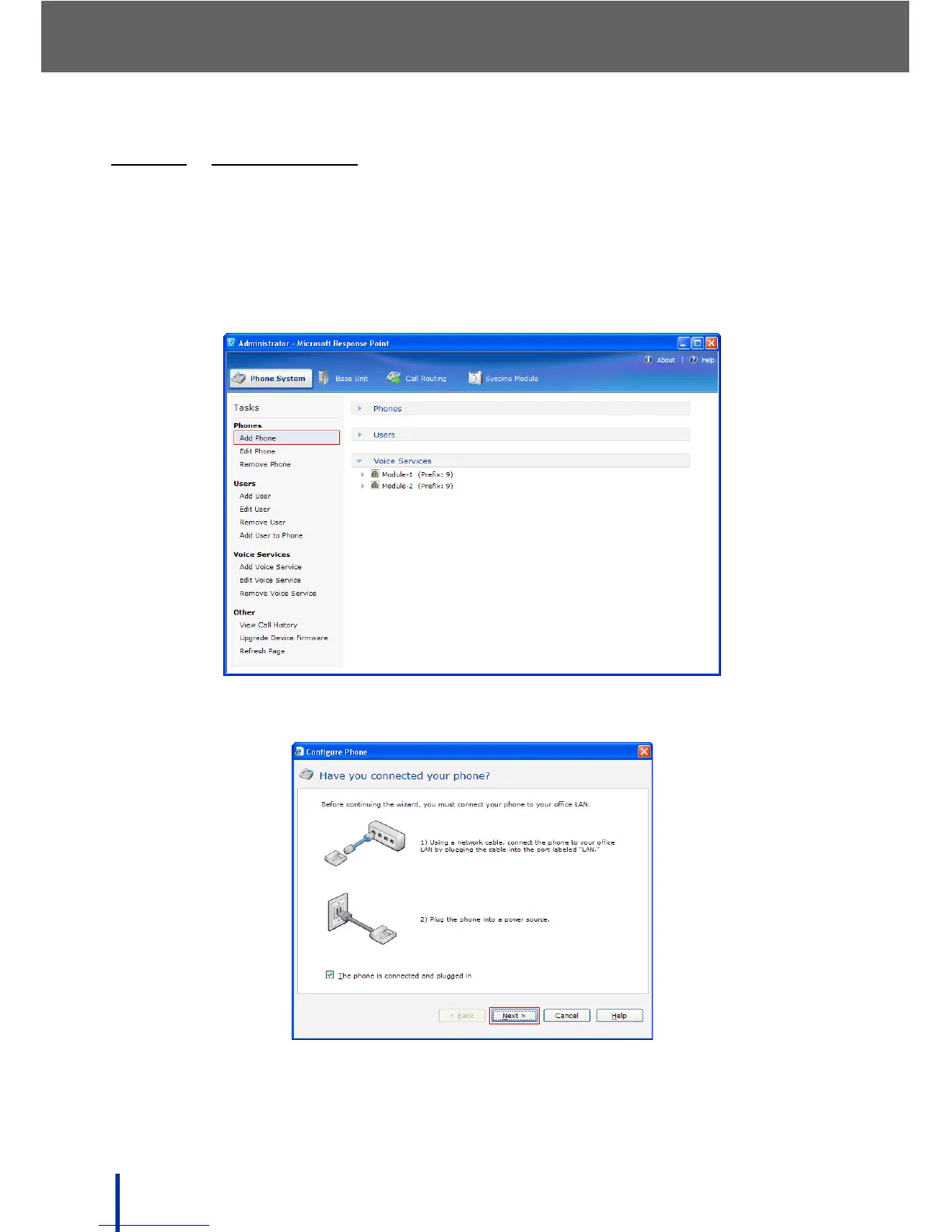
To add a new phone, perform the following steps:
1. In Phone System´ Phones, click Add Phone.
The Have you connected your phone screen displays.
2. Confirm that the phones are properly connected and the power cord is
plugged in.



 To Next Page