Basic Features
74 The Phone System Tab
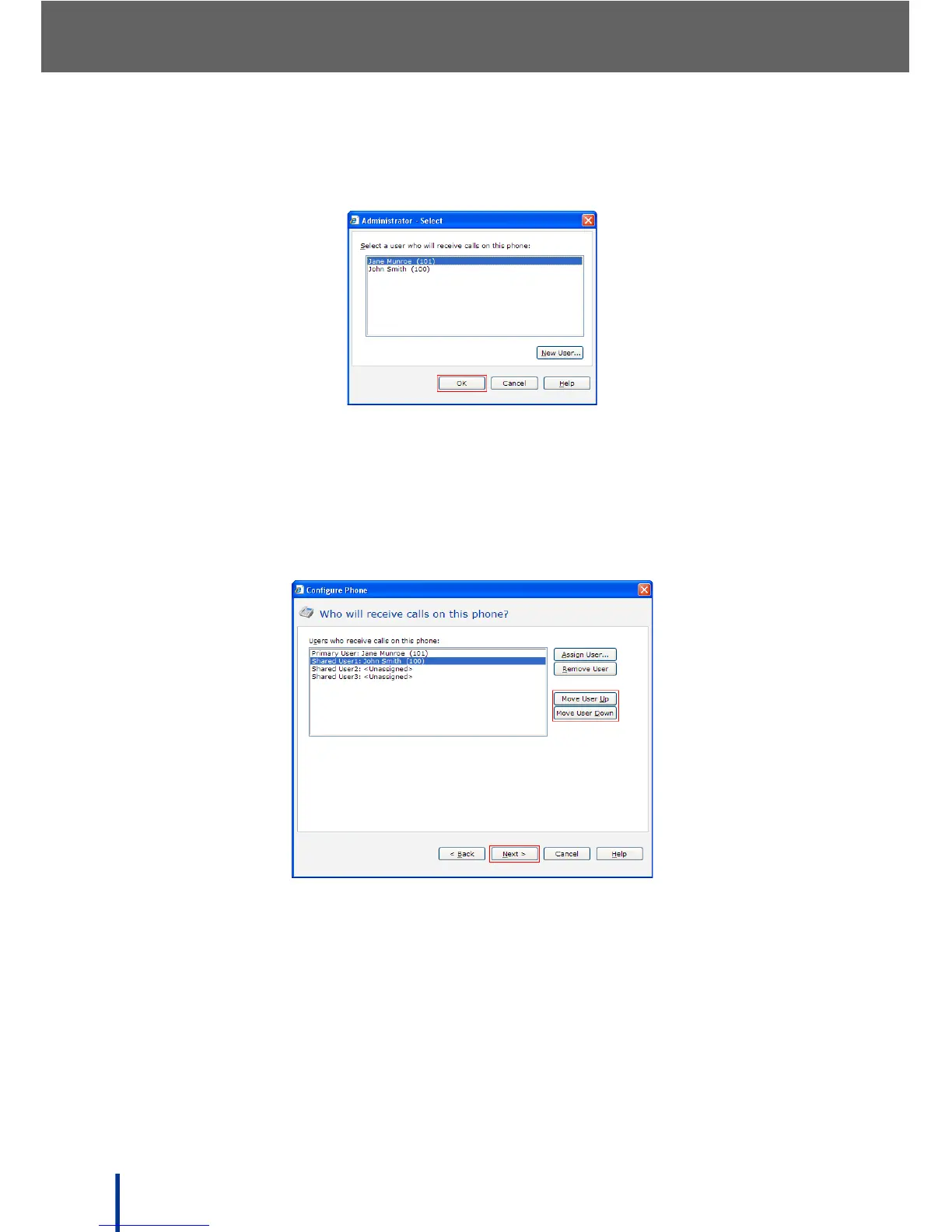
5. Click the Assign User button, and select the appropriate user from those
available.
6. Click OK to proceed.
The selected name is assigned to the added phone.
Up to 4 users can share an extension number (phone). The order of the
users is determined by moving a user up or down the displayed list by
using the Move User Up or Move User Down buttons.
N
OTE: The user assigned to the Primary User position is the primary user of the
phone. The primary user determines the caller ID for calls placed from
the phone, when the voicemail notification light is lit, and other behavior.
7. Click Next.



 To Next Page