Basic Features
84 The Phone System Tab
3.10.2.2 EDITING USER DESCRIPTIONS
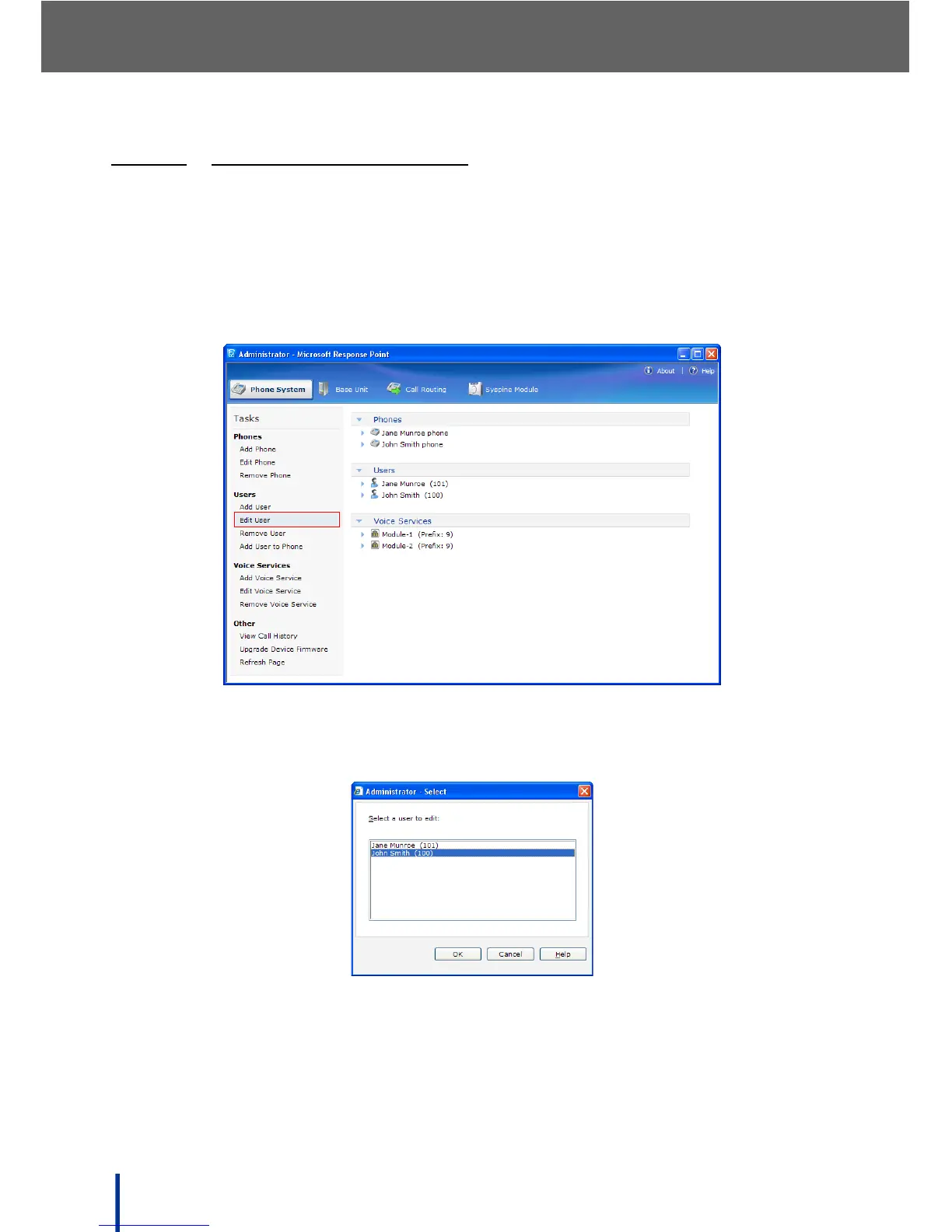
To edit an existing user, perform the following steps:
N
OTE: Users can edit these details themselves using the Assistant once their
profile has been created. See Using the Settings Menu on page 141 for
more details.
1. In Phone System´ Users click Edit User.
The Select a user to edit screen displays.
2. Select the user, group, job role, or location to edit from the list and click OK.
N
OTE: The User type cannot be edited in this way, only user, group, job role, or
location information can be edited.
3. Make any changes as required and click OK to finish.



 To Next Page