Station Features 147 FlexSet 120S/280S User Guide
Programming: Button Labeling
Printing the multi-designation label:
• Use the DESI software to select the layout of your multi-designation label (as described on the previous page)
• Enter the extensions assigned to the buttons on your FlexSet
• Feed your printer with the label sheet
• From the DESI Plus/DESI Lite menu, choose File > Print
NOTE: The left column on the multi-designation label is intended for the four system defined fixed keys. Other
columns are intended for the programmable speed dial keys.
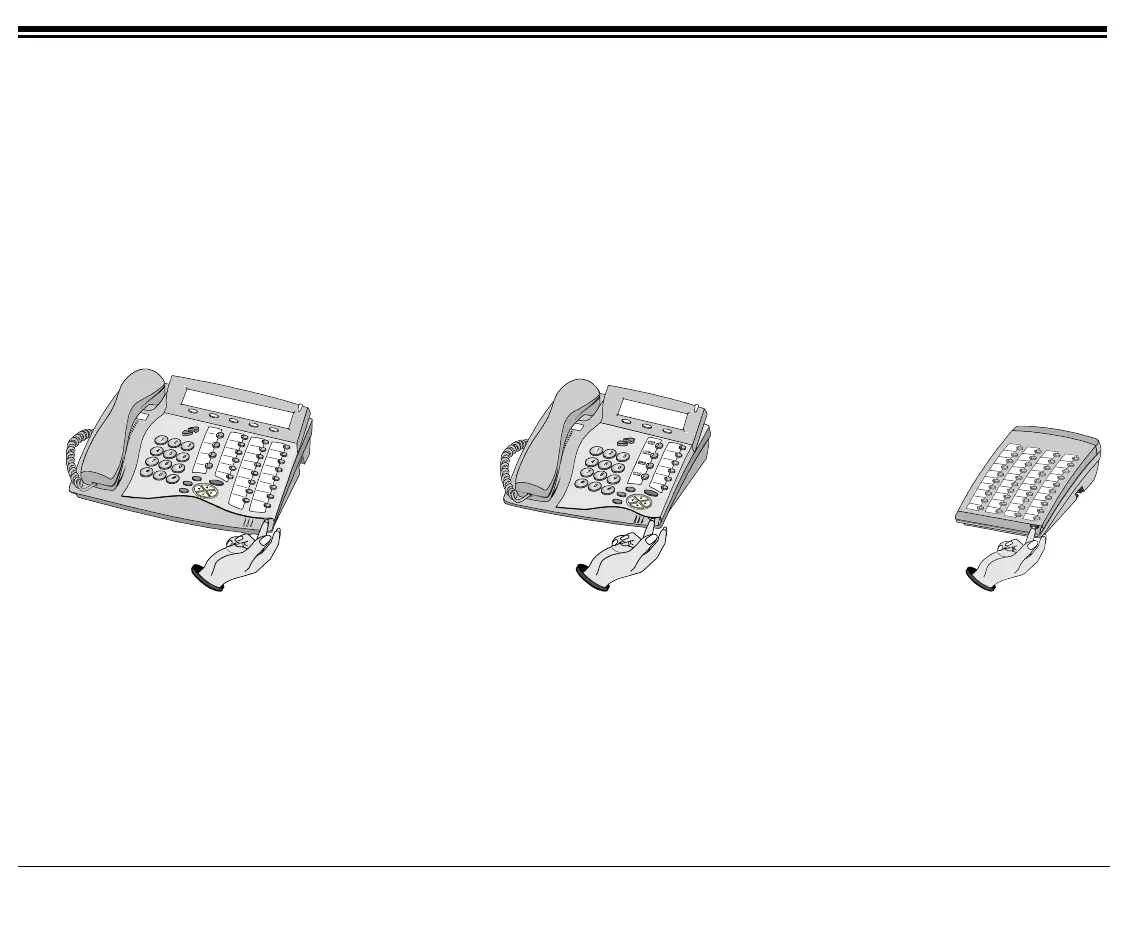
Lift up to
remove cover
Lift up to
remove cover
Lift up to
remove cover
FlexSet 280S FlexSet 120S FlexSet 40B









 To Next Page