Station Features 148 FlexSet 120S/280S User Guide
Programming: Button Labeling
Inserting the telephone number:
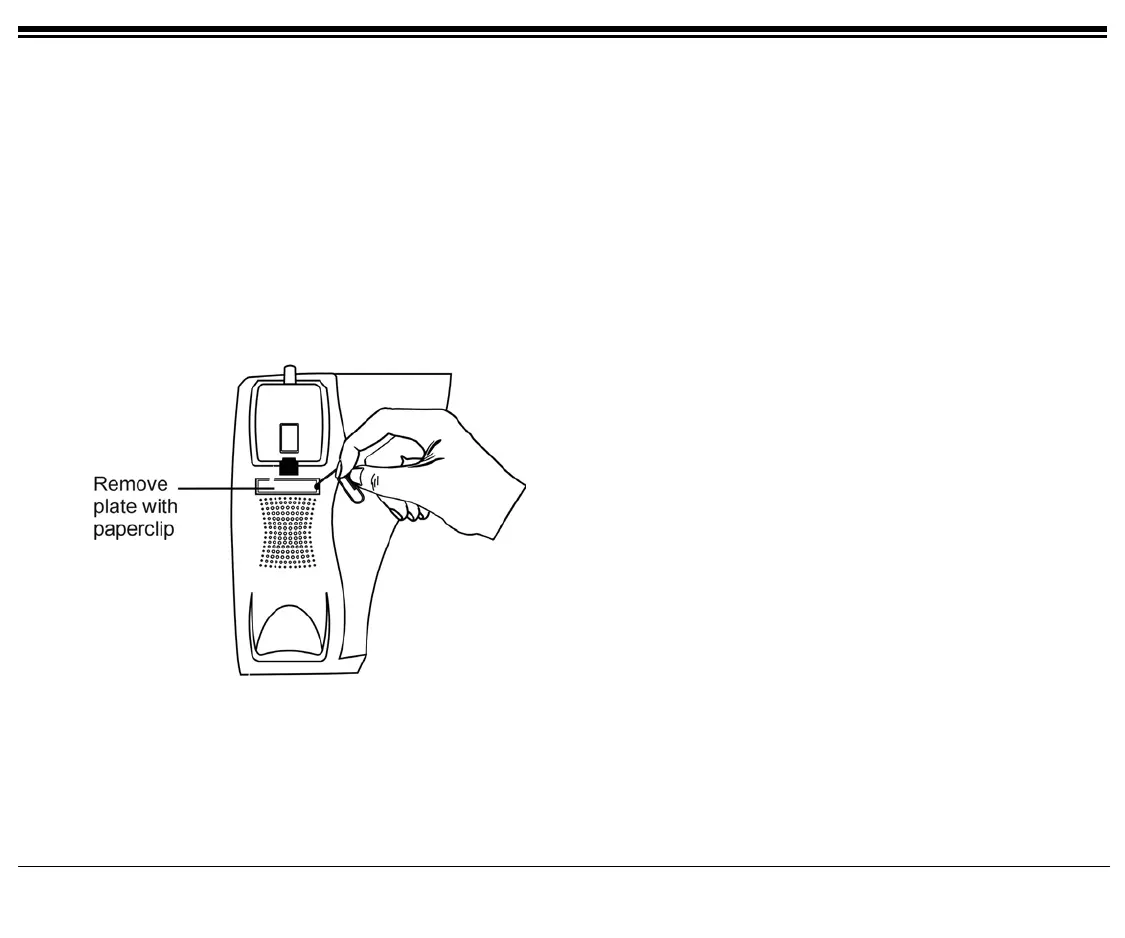
• Insert a pointed tool into the hole located on the plastic plate covering the blank telephone number, as shown in
the picture
• Lift upward to remove the plastic plate
• Peel off the printed label intended for the telephone number
• Insert the printed label
• Put the plastic plate back in place over the phone number









 To Next Page