7 Maintaining the product
176
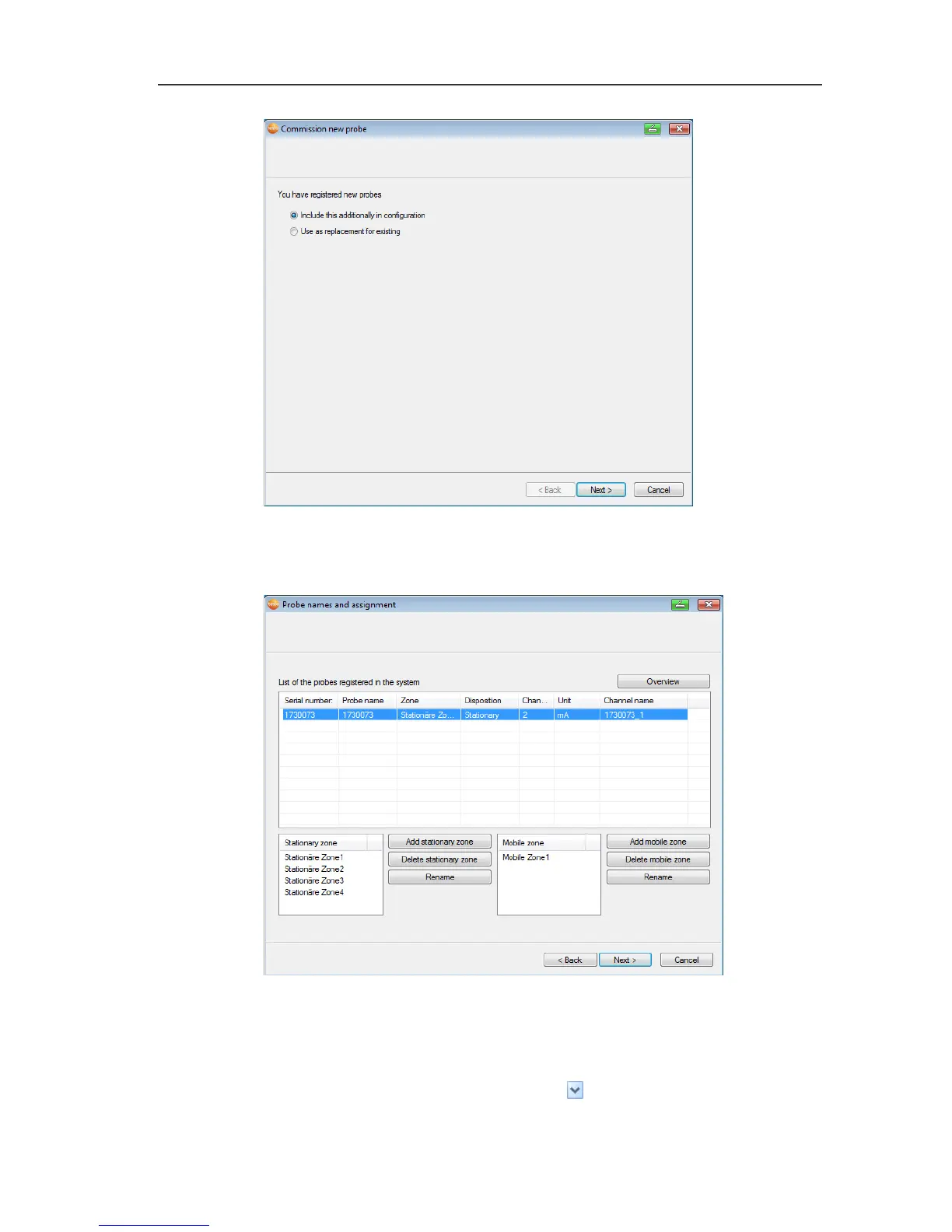
4. Leave default setting and click on [Next >].
- The list of probes newly registered in the Saveris base is
displayed.
5. To distribute the probes already registered on the system
between stationary or mobile zones depending on the purpose
(for Saveris mobile): Click on [Add stationary zone] or [Add
mobile zone].
6. Open the selection list via button and select the zone to
which the probe should be assigned.







 To Next Page