5 First steps
63
5.14.1.3. Connecting router
You can connect a maximum of 30 routers to the
Saveris base.
The Saveris base can communicate directly with a
maximum of 15 routers.
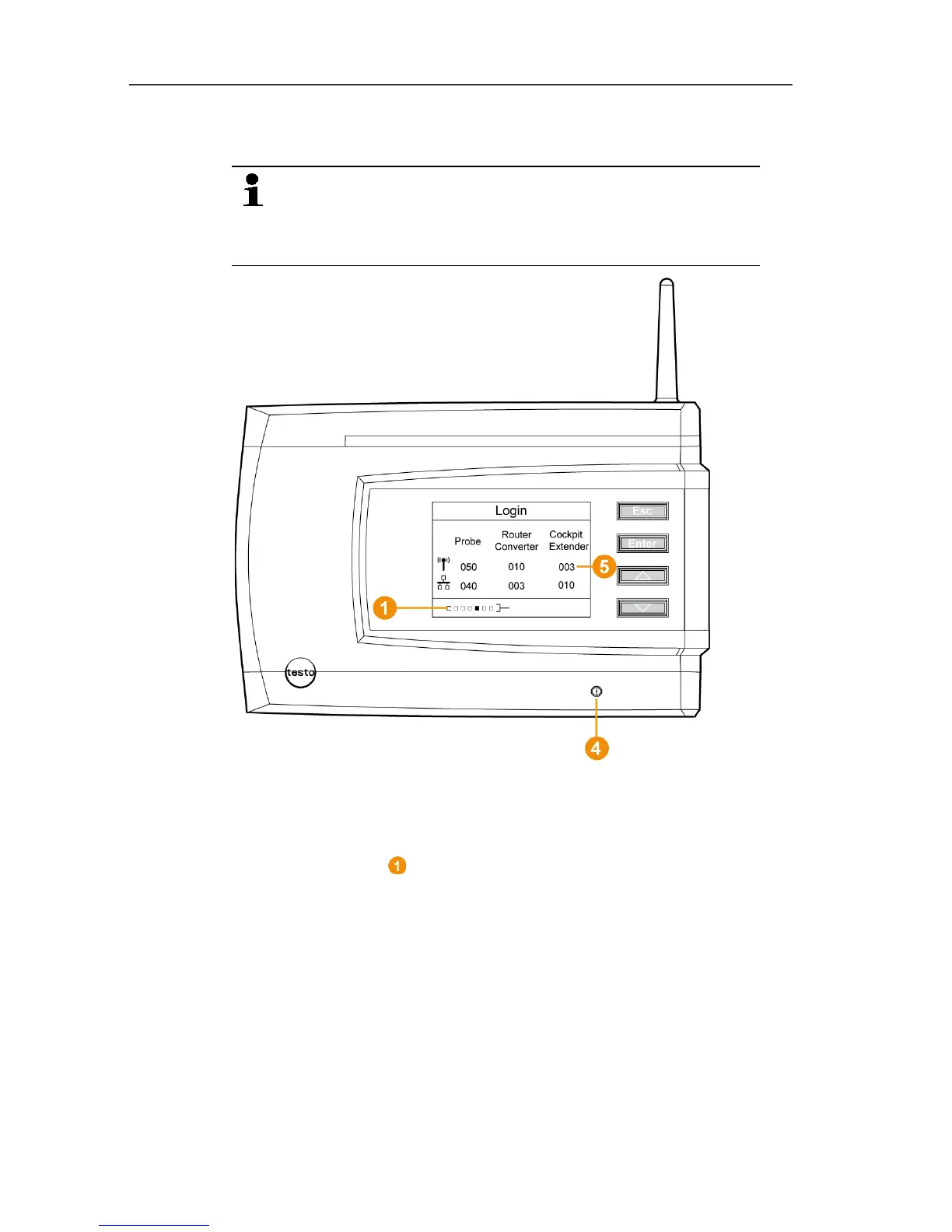
1. Change to the Info System menu at the Saveris base with the
[▼] button.
2. Press [Enter] to call up the Login function.
- The status bar in the display shows that the Saveris base is
ready for router detection.







 To Next Page