6 Using the product
128
- In order to create a second time entry for the same day, repeat
step 4 and step 5.
Two time periods can be specified per day.
6. Press OK to confirm.
- The input window is closed, the modifications to the scheduling
are accepted.
Pos: 150 /TD/Produ kt verwenden/testo Sa veris/04 Alarme konf igurieren/PRO/01 Alar m vorkonfigurier en - 01 Gruppen PRO @ 0\mod_11896843 44906_79.docx @ 4843 @ 335353 5555455 @ 1
6.5.2. Setting up alarm groups
6.5.2.1. Components
Any configuration changes are only transferred to the
probe/base once you have exited the Alarm management
menu!
You should therefore exit the Alarm management menu
after editing.
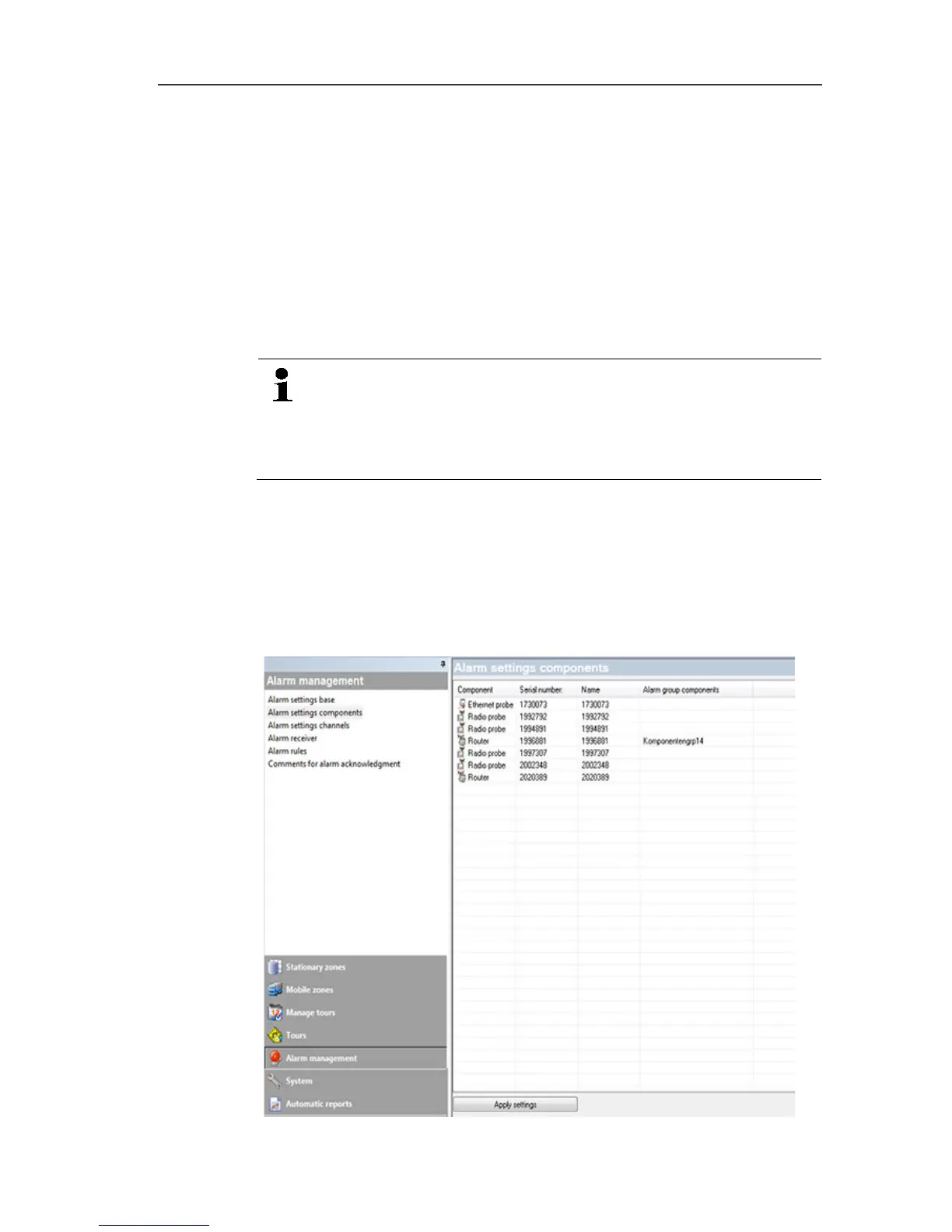
1. Click on Alarm management in the navigation area.
- The data area shows the sub-menus Base alarm settings,
Component alarm settings, Channel alarm settings, Alarm
recipients, Alarm rules, Comments for acknowledging
alarms.
2. Click on Component alarm settings.
- The probe alarm settings are shown in the display area.







 To Next Page