5 First steps
83
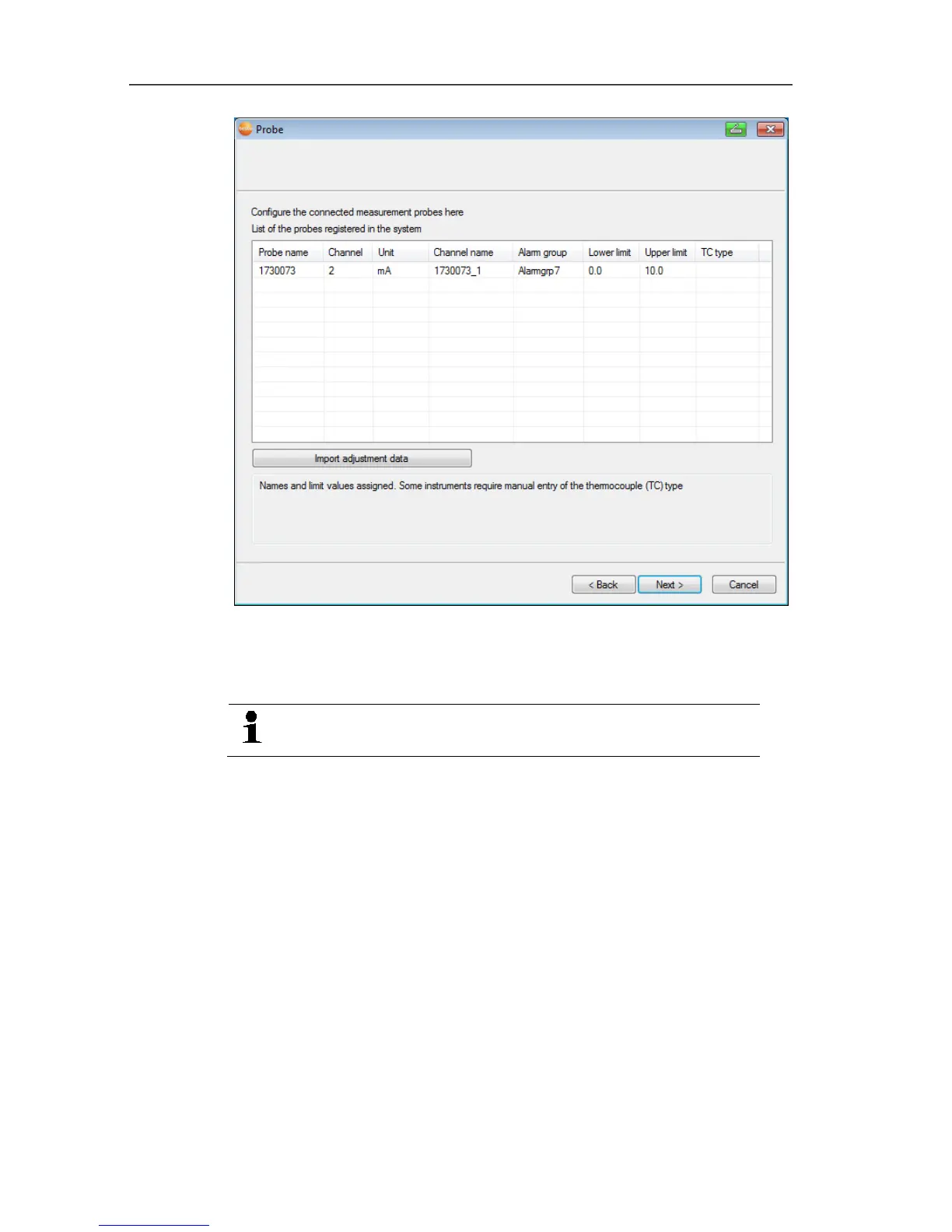
7. Click in the TE type field and enter the thermocouple element
type (K, J, T or S) if this information is necessary for the device.
8. If required, change the default values in fields Probe name and
Channel name.
Assign channel names that are not longer than
20 characters.
9. If required, import adjustment data for the individual probes:
Click on [Import adjustment data].
10. Click on [Next >].
- The settings for the measuring cycle are displayed.







 To Next Page