112
FUNCTION SETTING USING SETTINGS SCREEN
OUTLINE OF SETTINGS SCREEN OPERATIONS
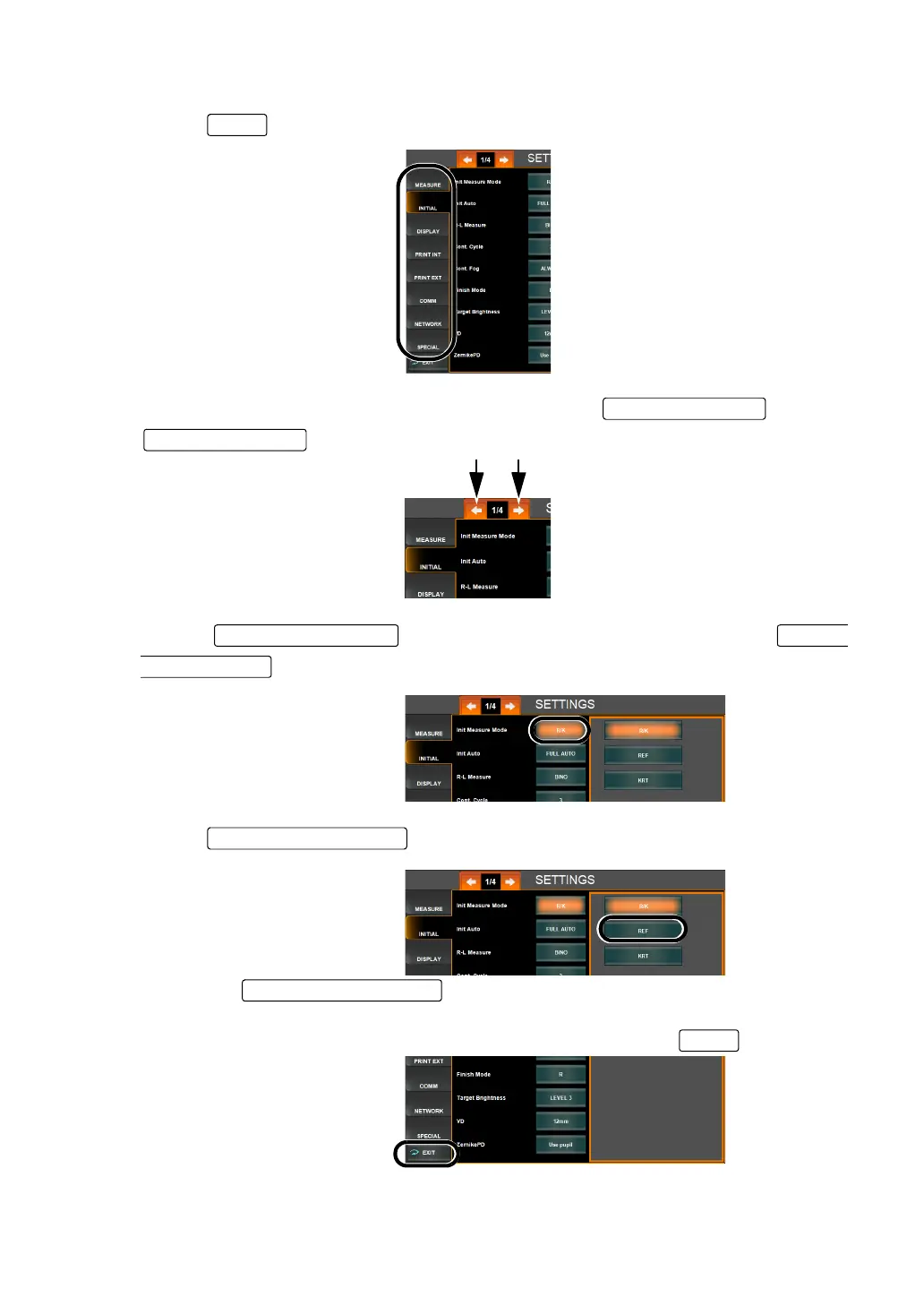
1 Tap the and select a relevant subject.
2 Display the page to confirm/change by tapping the and the
, as necessary.
3 Tap the of the item to be changed and display the
.
4 Tap the and fix the change of setting.
• Instead of the , ten-keys or a special input screen can also be dis-
played.
5 After entering all setting items, contents are updated by tapping the button.
Page Feed button
Page Return butto
Set Condition button
Setting Change button
Setting Change button
EXIT



 To Next Page