49
INDIVIDUAL OPERATIONS
INDIVIDUAL OPERATIONS
OPERATION IN THE ARBITRARY OPERATION INTERFACE
In the arbitrary operation interface, the measurement screen is displayed after startup.
MEASUREMENT MODE SELECTION
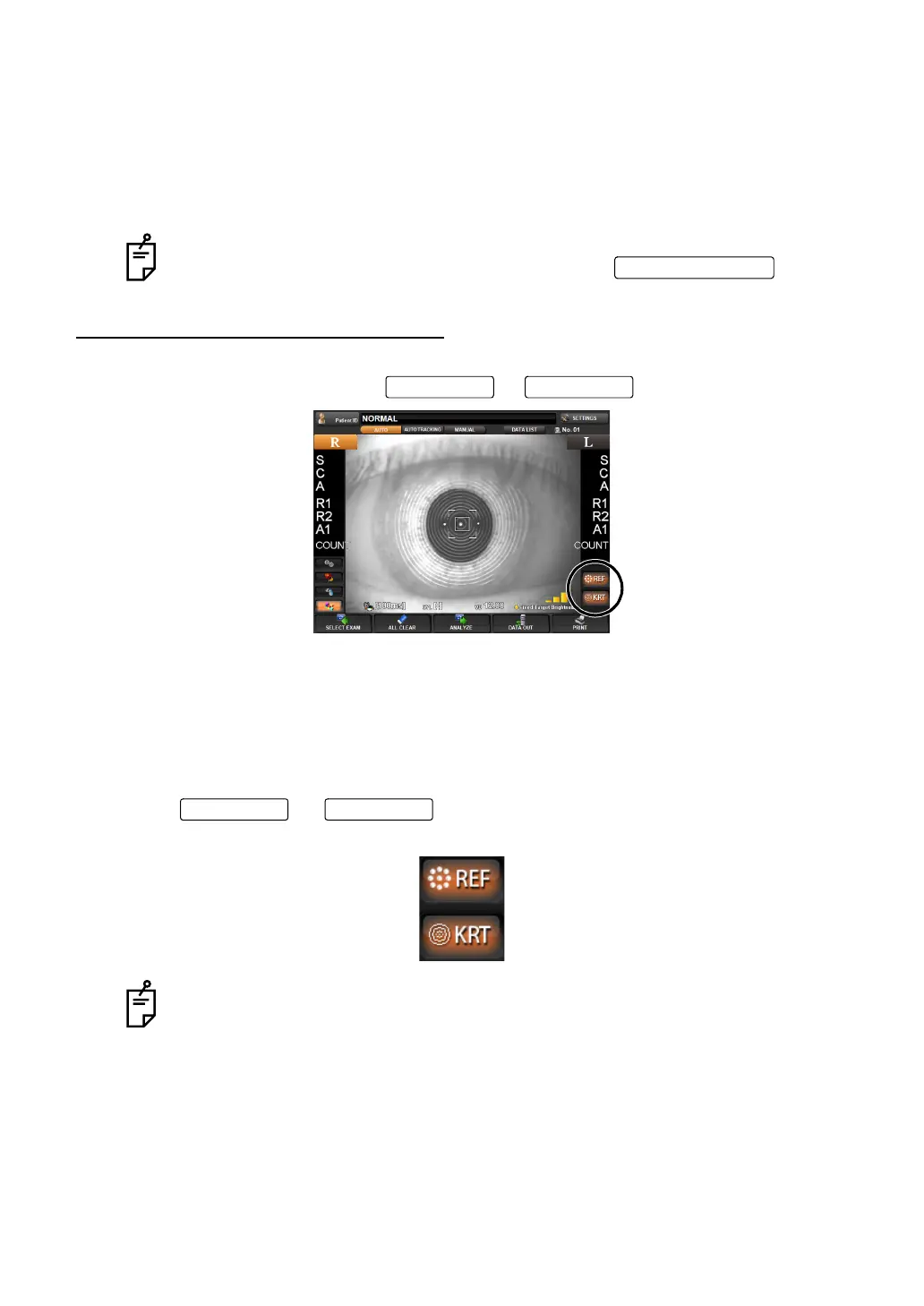
To select measurement mode, tap or on the control panel.
There are three measurement modes, which REF/KERATO continuous measurement, REF
measurement, or KERATO measurement can be selected.
REF/KERATO measurement mode (REF button and KRT button are lit) :
REF measurement and KERATO measurement are made continuously.
REF measurement mode (REF button only is lit) : REF measurement only.
KERATO measurement mode (KRT button only is lit) : KERATO measurement only.
1 Tap or to turn the button of the item to be measured on
(orange).
In this interface, you can display the examination purpose selection screen to
select the course by examination purpose by tapping
.
In the default setting, REF/KERATO measurement mode is set but you can
change it.
Refer to page 128 for the detail.
MEASURE button
REF button KRT button
REF button KRT button



 To Next Page