68
INDIVIDUAL OPERATIONS
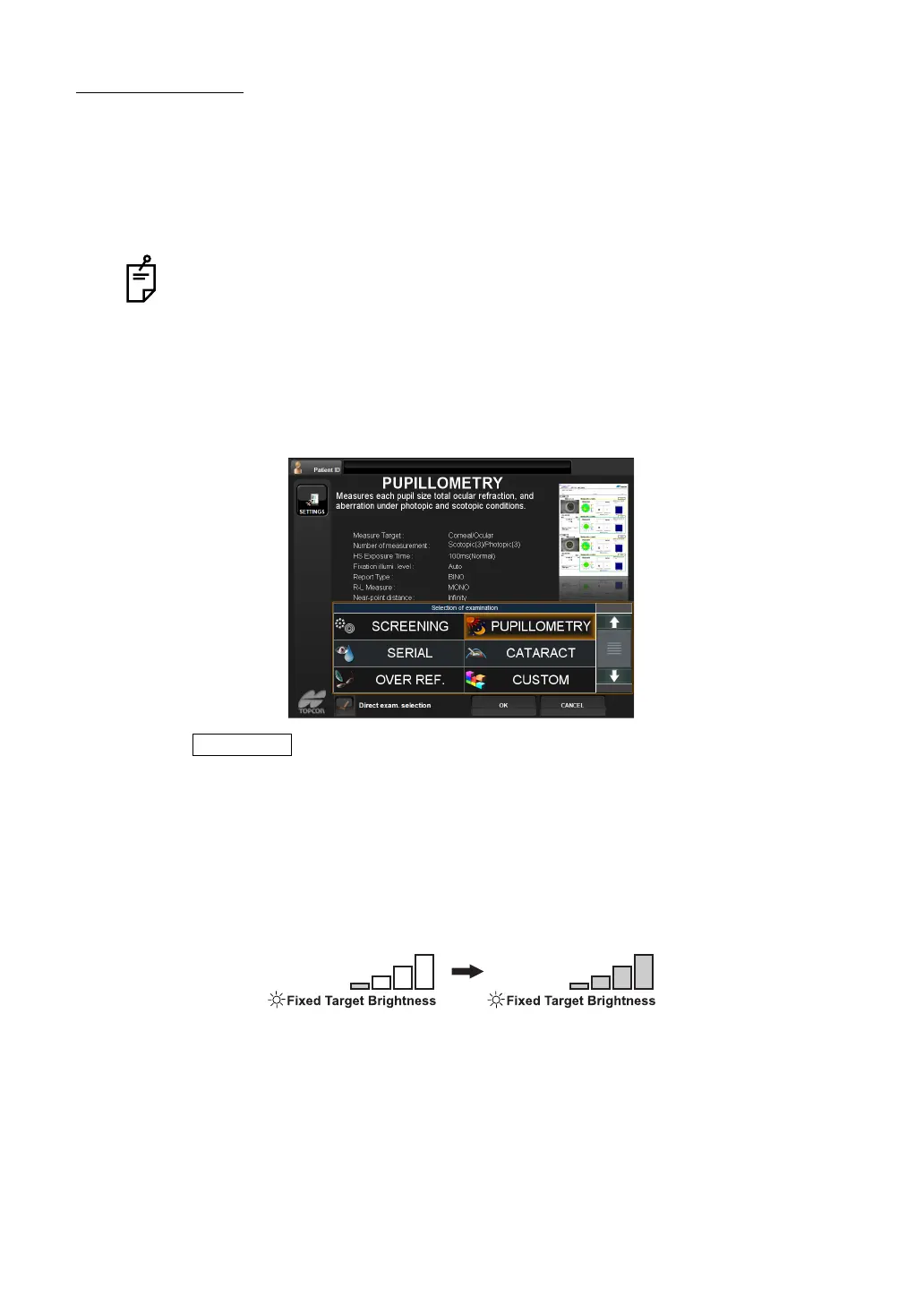
PUPILLOMETRY
The Pupillometry function is intended to change the pupil size of the patient's eye by changing
the brightness of the fixation target, thereby measuring the pupil diameter and wavefront aber
-
ration.
Brightness is changed in steps automatically (under Auto mode and Auto tracking mode), and
each time measurement is performed three times.
SETTING THE PUPILLOMETRY FUNCTION
1 Display the examination purpose selection screen.
2 Tap and select "PUPILLOMETRY".
3 Press to measure the measurement screen.
PUPILLOMETRY (AUTO MEASUREMENT)
1 Roughly align the patient's eye and press the Measurement switch to start a preliminary
measurement. Brightness of the fixation target is changed to the darkest state and starts
pupillometry.
Measurements are performed three times with the fixation target under the darkest state
(Scotopic: dark place measurement), and three times with the fixation target under the
brightest state (Photopic: bright place measurement).
2 To measure the other eye, tap the R-L Change button on the MEASUREMENT screen
and change the target eye.
Data of the pupillometry mode cannot be mixed with the data of other modes (R/K,
REF, KRT). When the measurement mode is changed in the middle (such as to
measure one eye by pupillometry mode and then measure the other eye by R/K),
the pupillometry data are cleared.
OK button



 To Next Page